An ERP that keeps things moving
Products, orders and documents work together. Your rules determine which data is transferred and which follow-up processes run.
Explore ERP features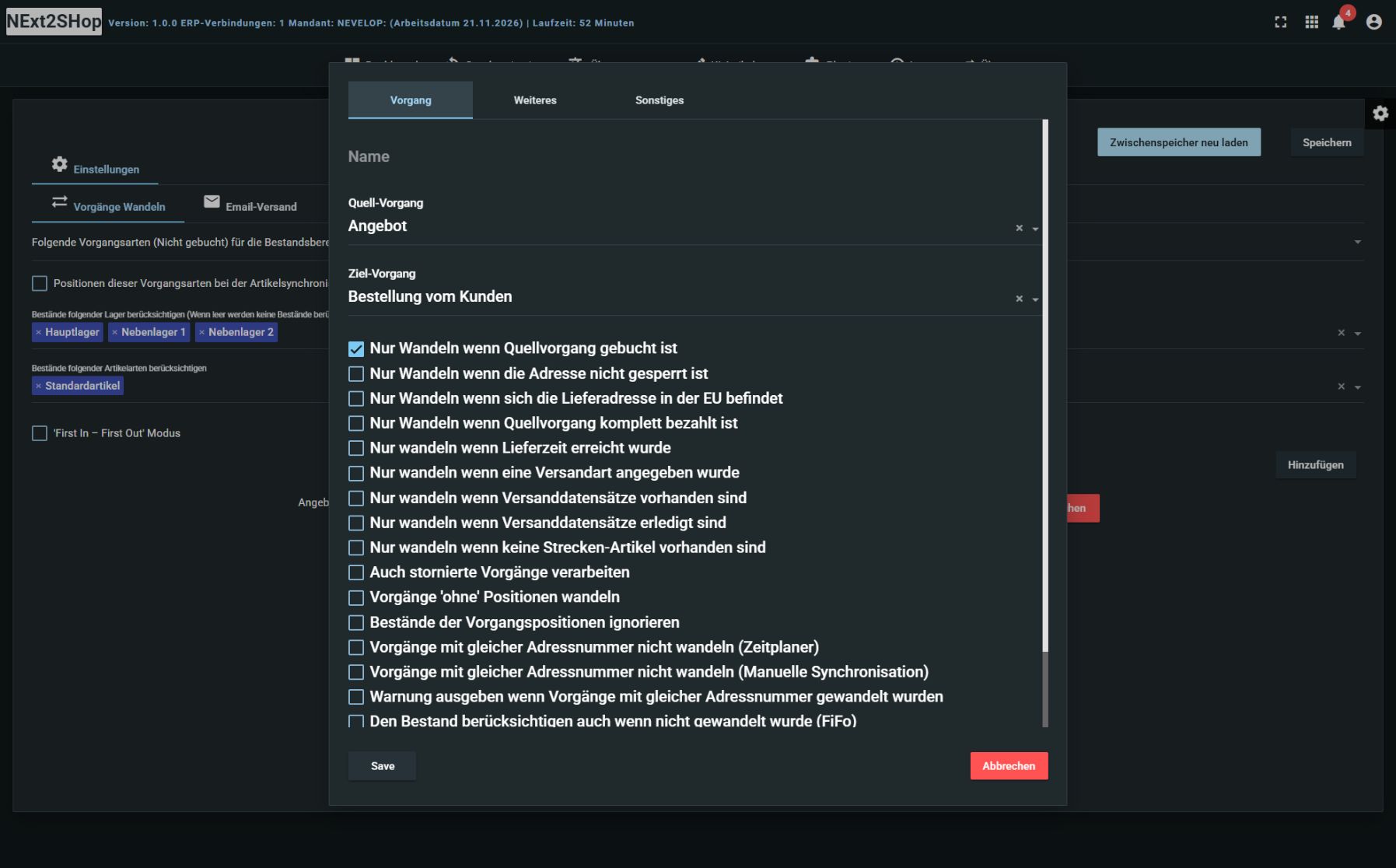 View full size
Create new products from ERP data, build variants and publish mapped content in Shopware 6. Product texts, images, categories and custom fields are part of the regular sync. Choose customer-group prices, preserve edited shop content and connect orders to ERP document and email workflows.
Software by nevelop. We are an independent provider, not microtech.
From your first question through setup to custom extensions, your contact understands the technology and discusses how to put your workflow into practice.
A product is synchronised. But were the right products selected? Were shop texts preserved, accessories included and downloads updated? NExt2SHop gives you specific rules for these everyday decisions — from product selection to ERP follow-up actions.
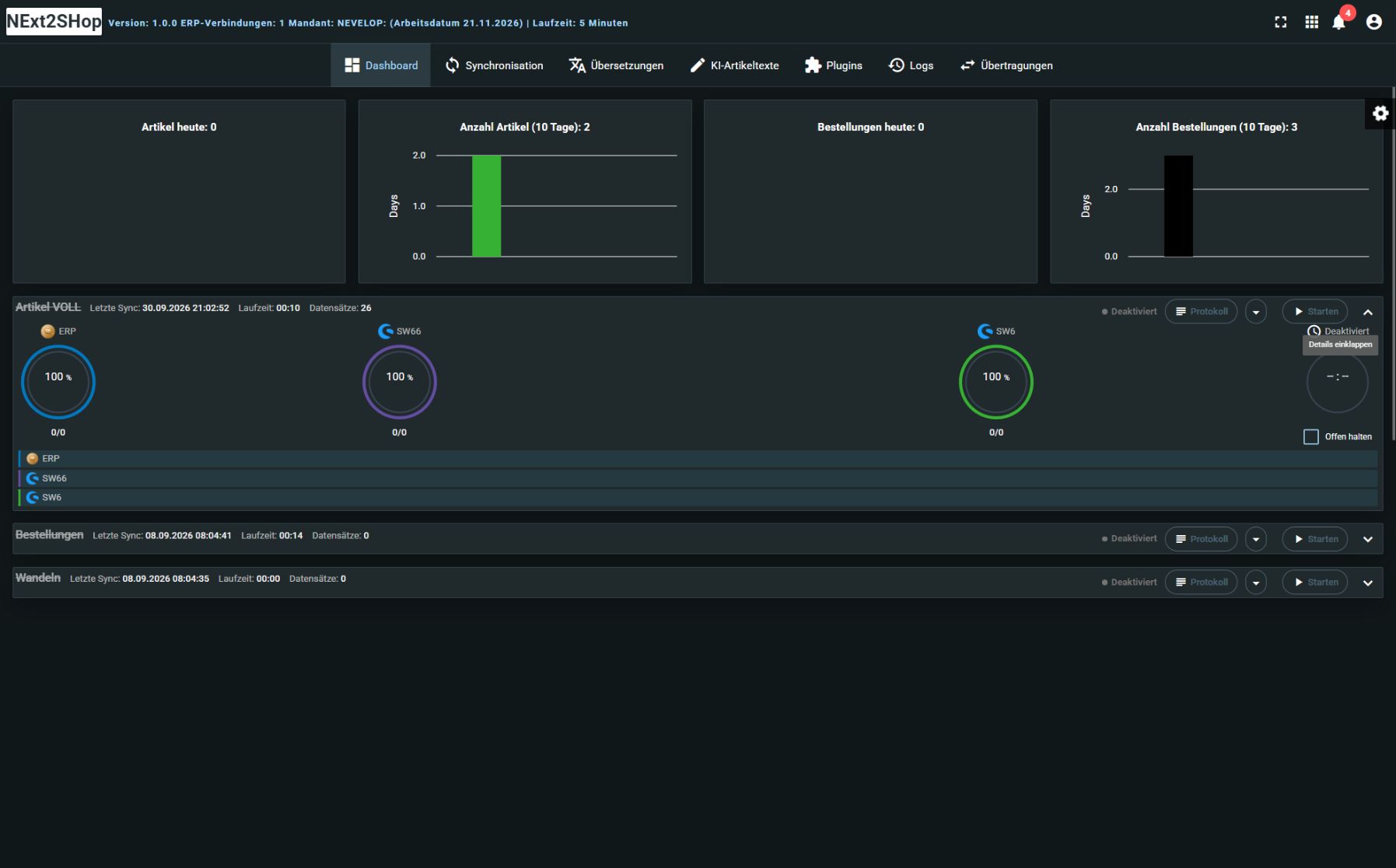
Maintain your range centrally, make the most of each sales channel and automate the work behind it.
Products, orders and documents work together. Your rules determine which data is transferred and which follow-up processes run.
Explore ERP featuresView full sizeVariants, customer group pricing, categories, translations and extensions prepare your product data for selling in your shop.
Explore Shopware 6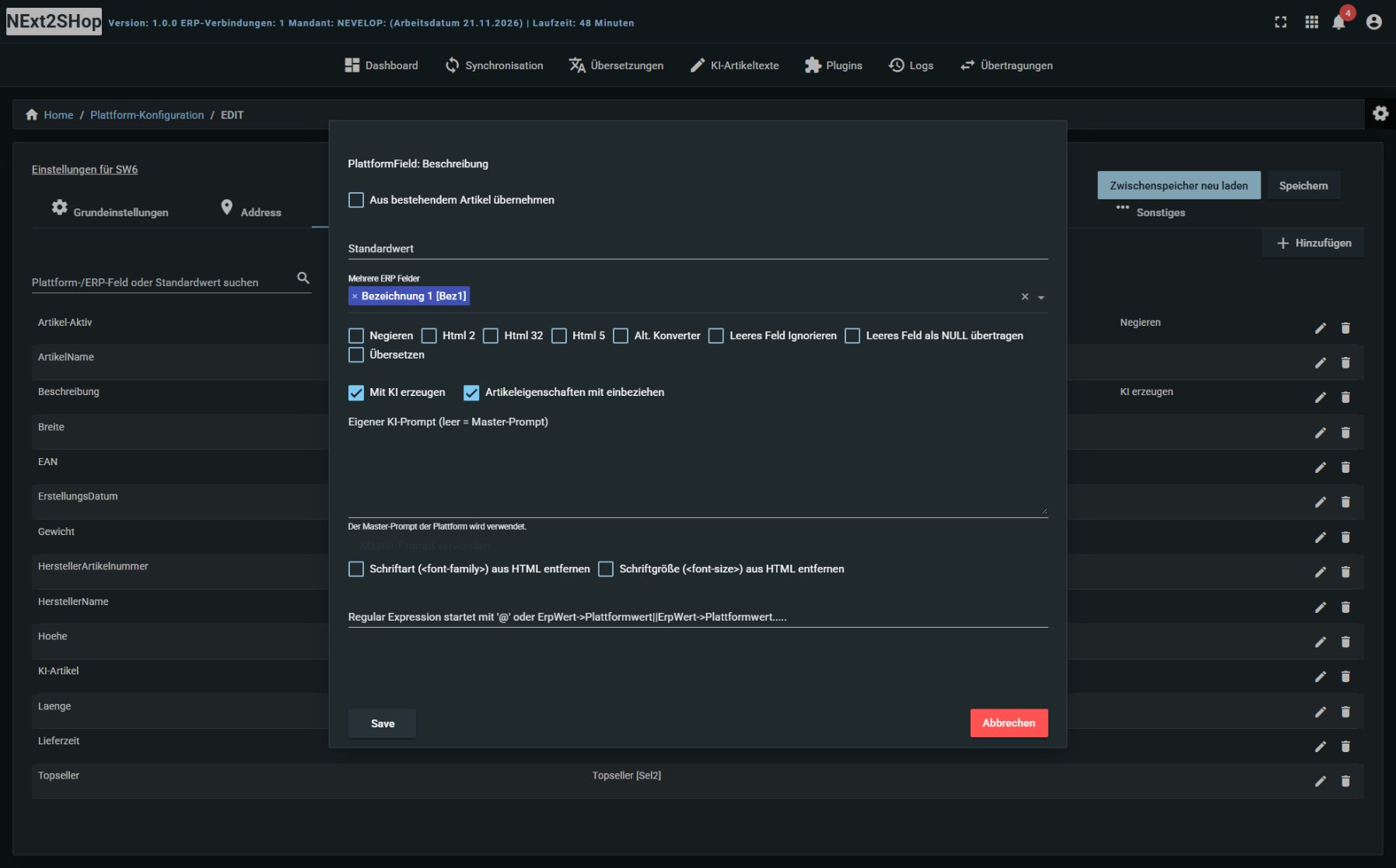 View full size
Create listings, maintain prices and stock, import orders and report shipping, with your own listing design.
Explore eBay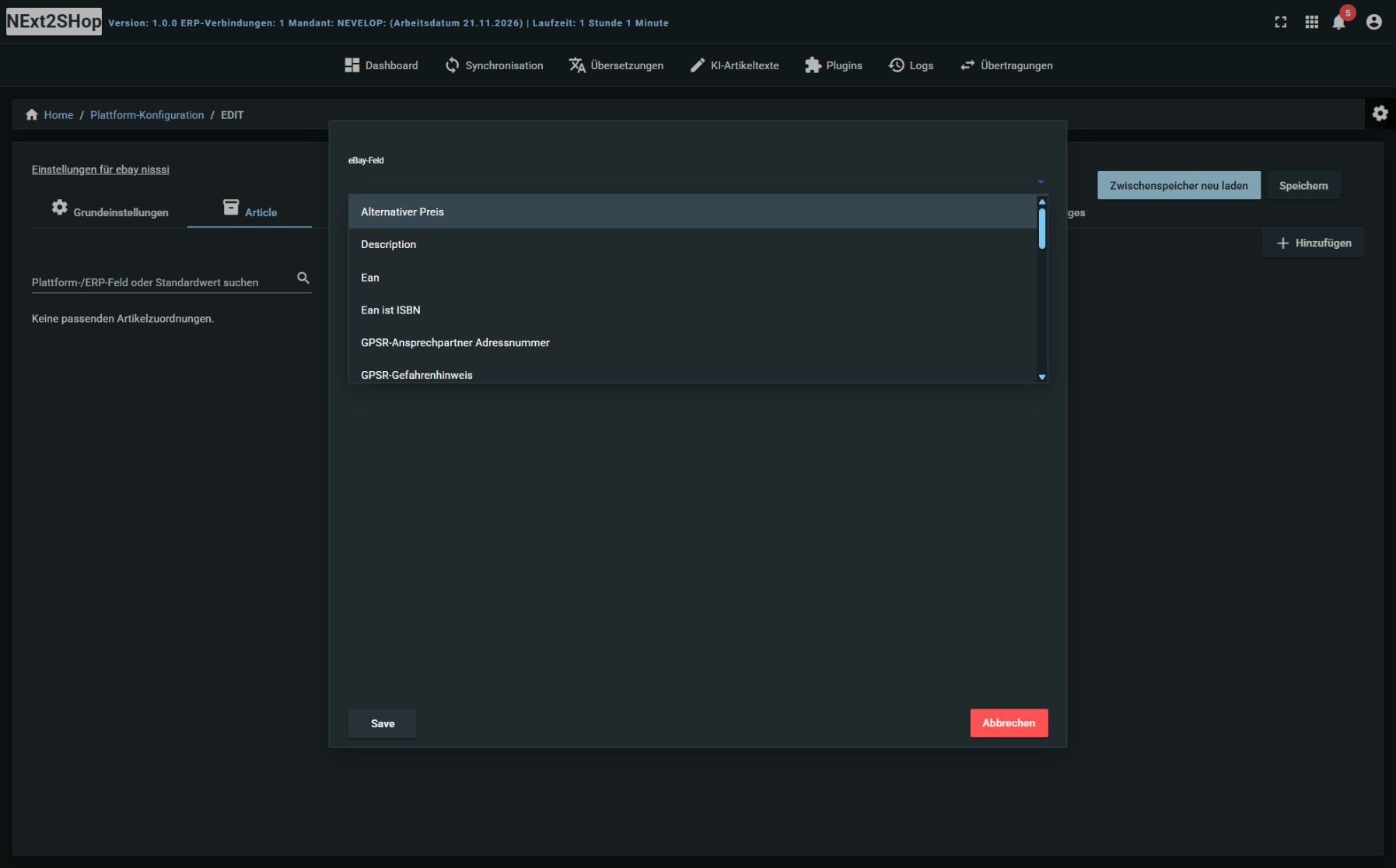 View full size
NExt2SHop connects online sales with the processes in your ERP. Your existing product data, custom fields and business rules provide the foundation.
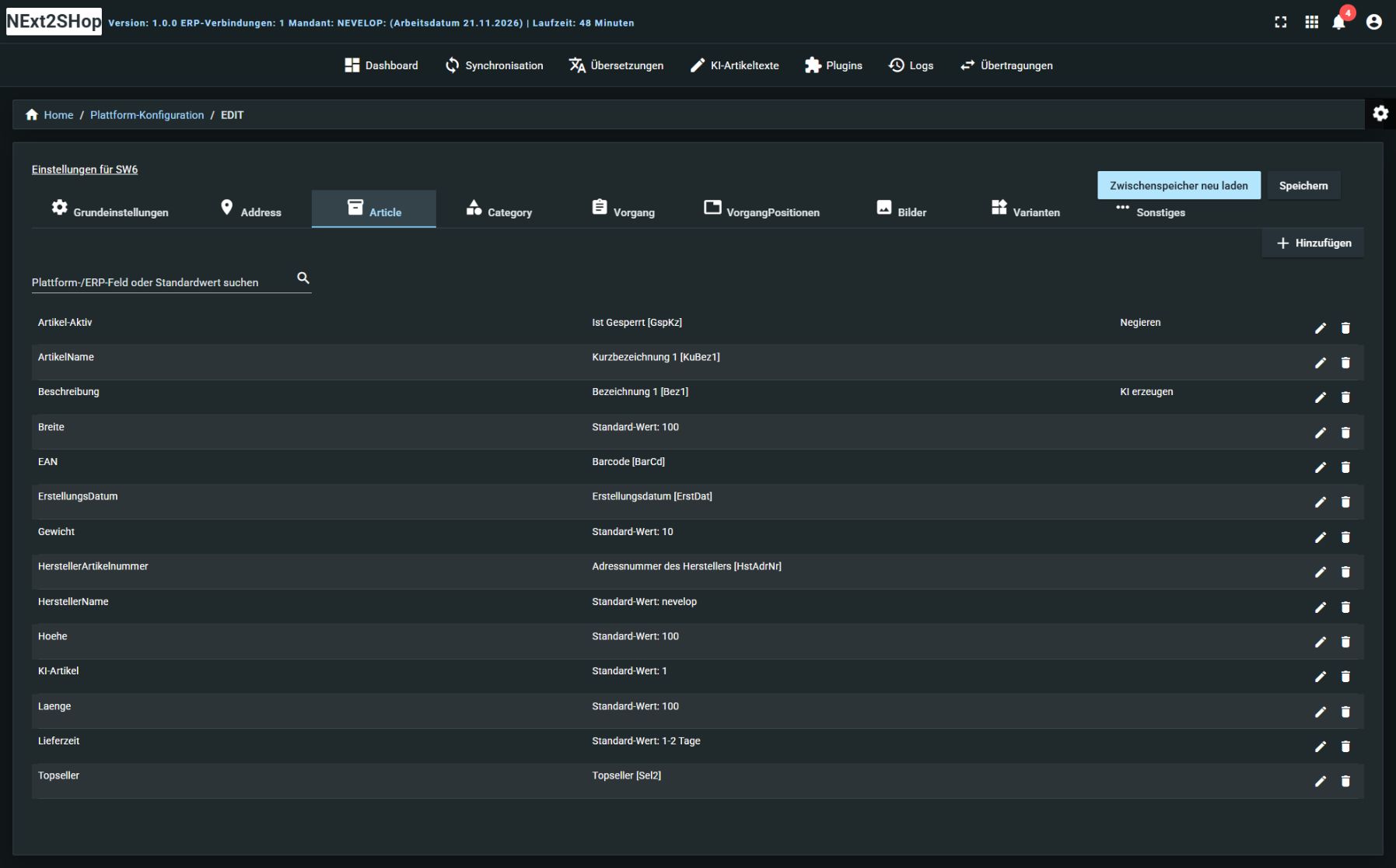
Products, variants, descriptions, images, documents and categories are prepared from your ERP for each sales channel. Reduce duplicate work and keep product information aligned.
 View full size
QuickSync selectively updates prices, stock and supported lead-time data. Important changes reach your channels without transferring every piece of product content again.
 View full size
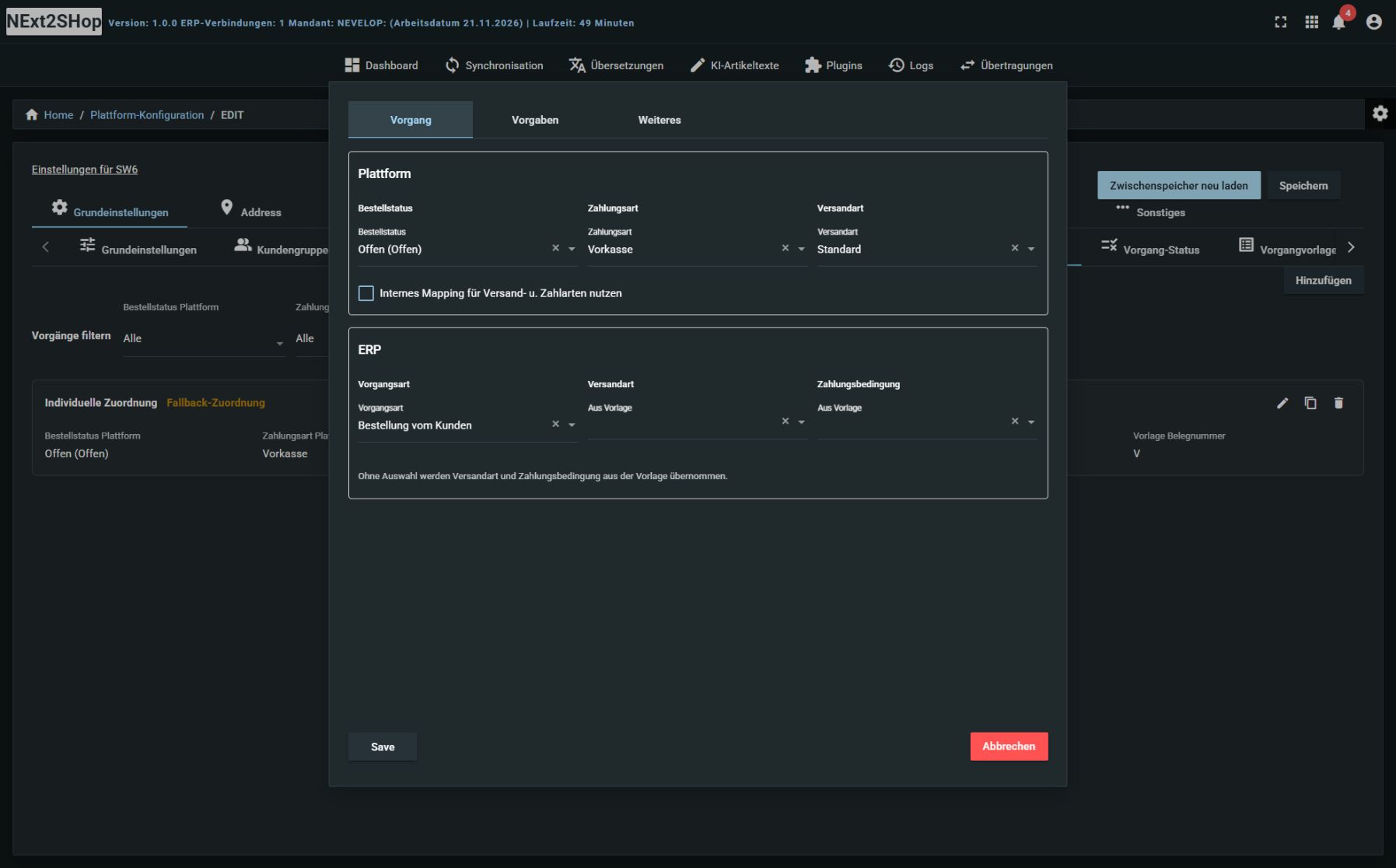
Customers, billing and delivery addresses, line items, payment and shipping information are mapped to your processes. Your team continues working in its familiar ERP.
 View full size
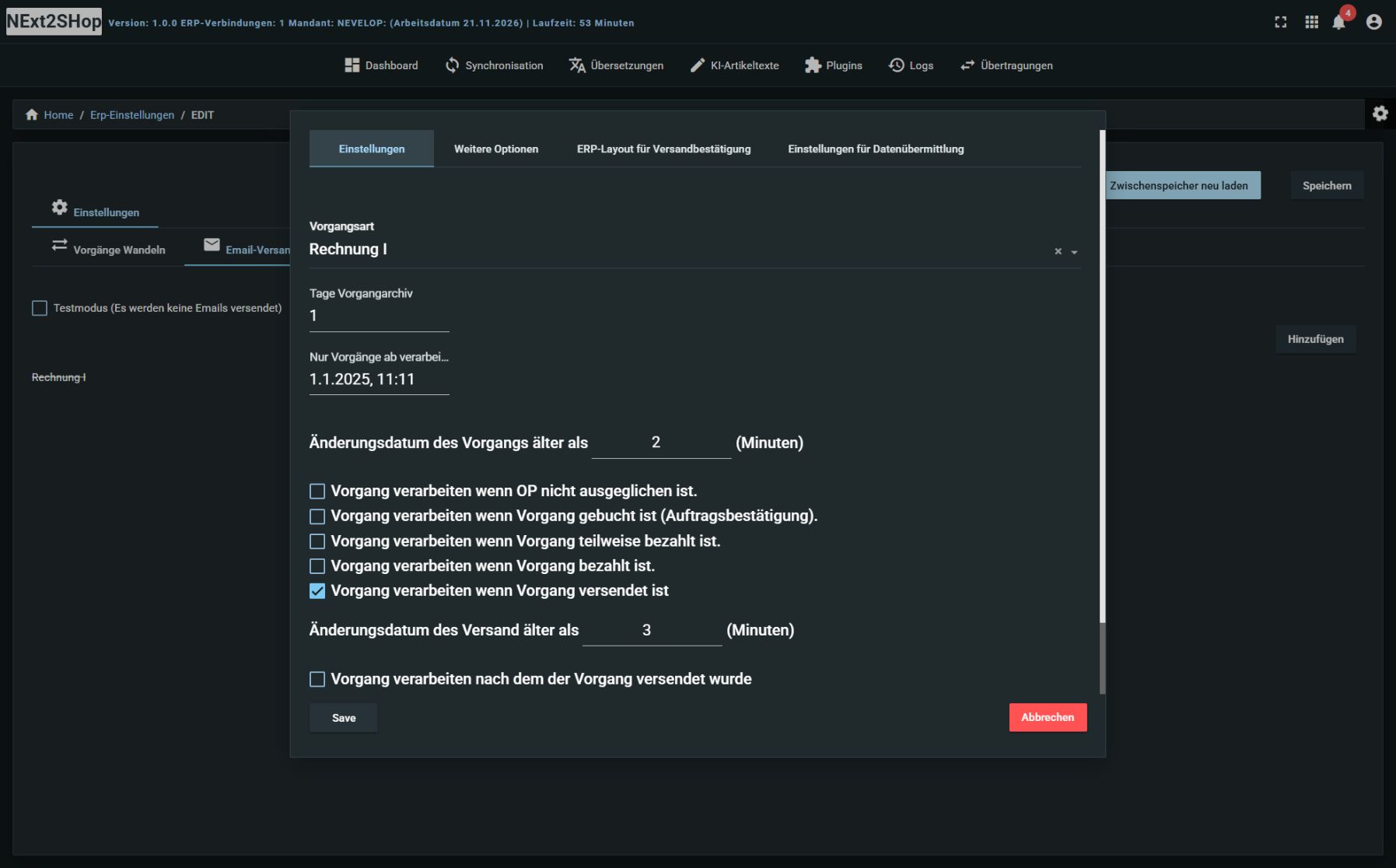
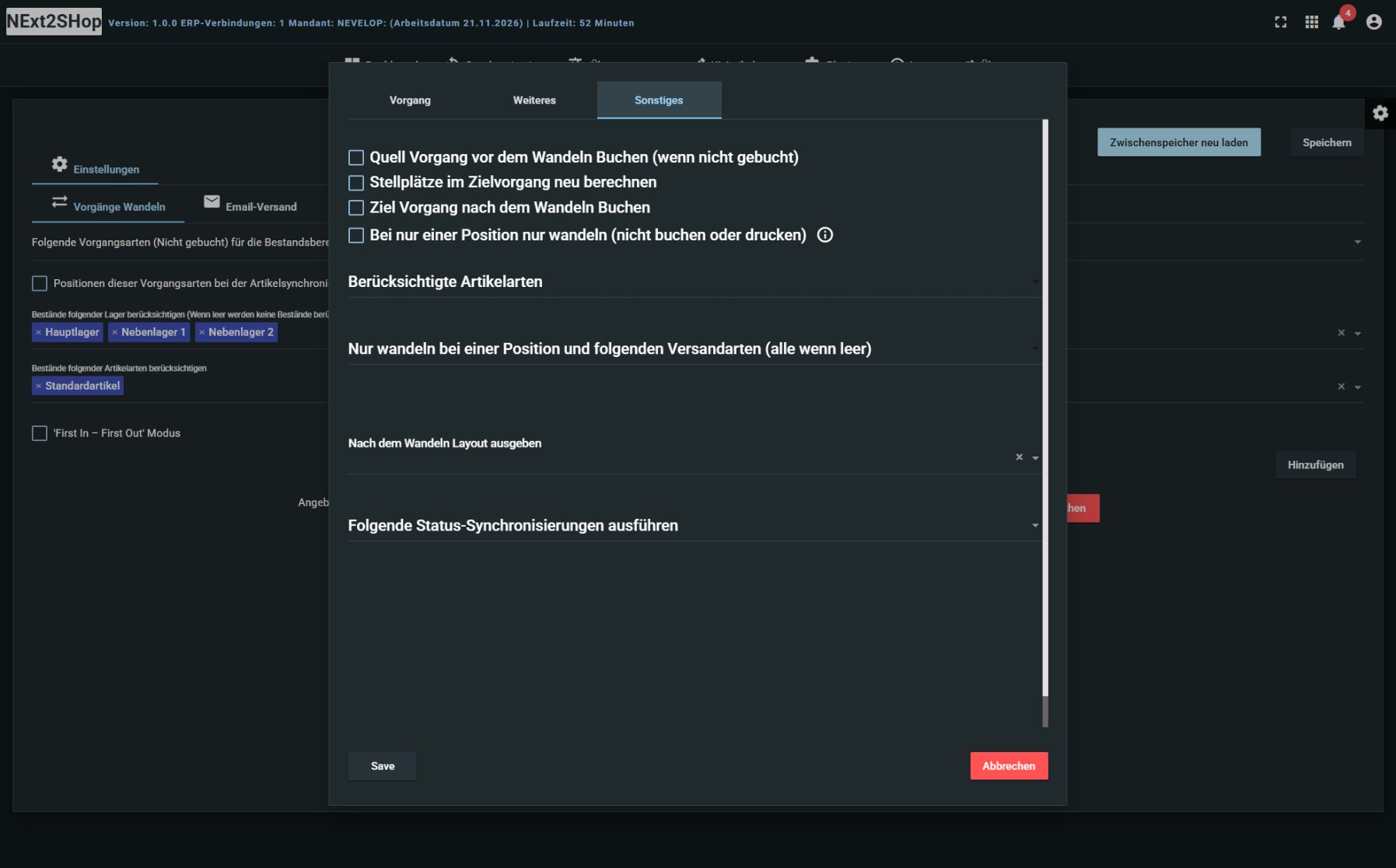
Require a posted or fully paid source document, a reached delivery date, a shipping method or completed shipping records before conversion. Configure the target document, posting, layout output and status feedback for the next steps.
View full sizeFor each document type, an ERP layout can be issued after posting, order confirmation, part payment, payment, shipping or after a set delay.
 View full size
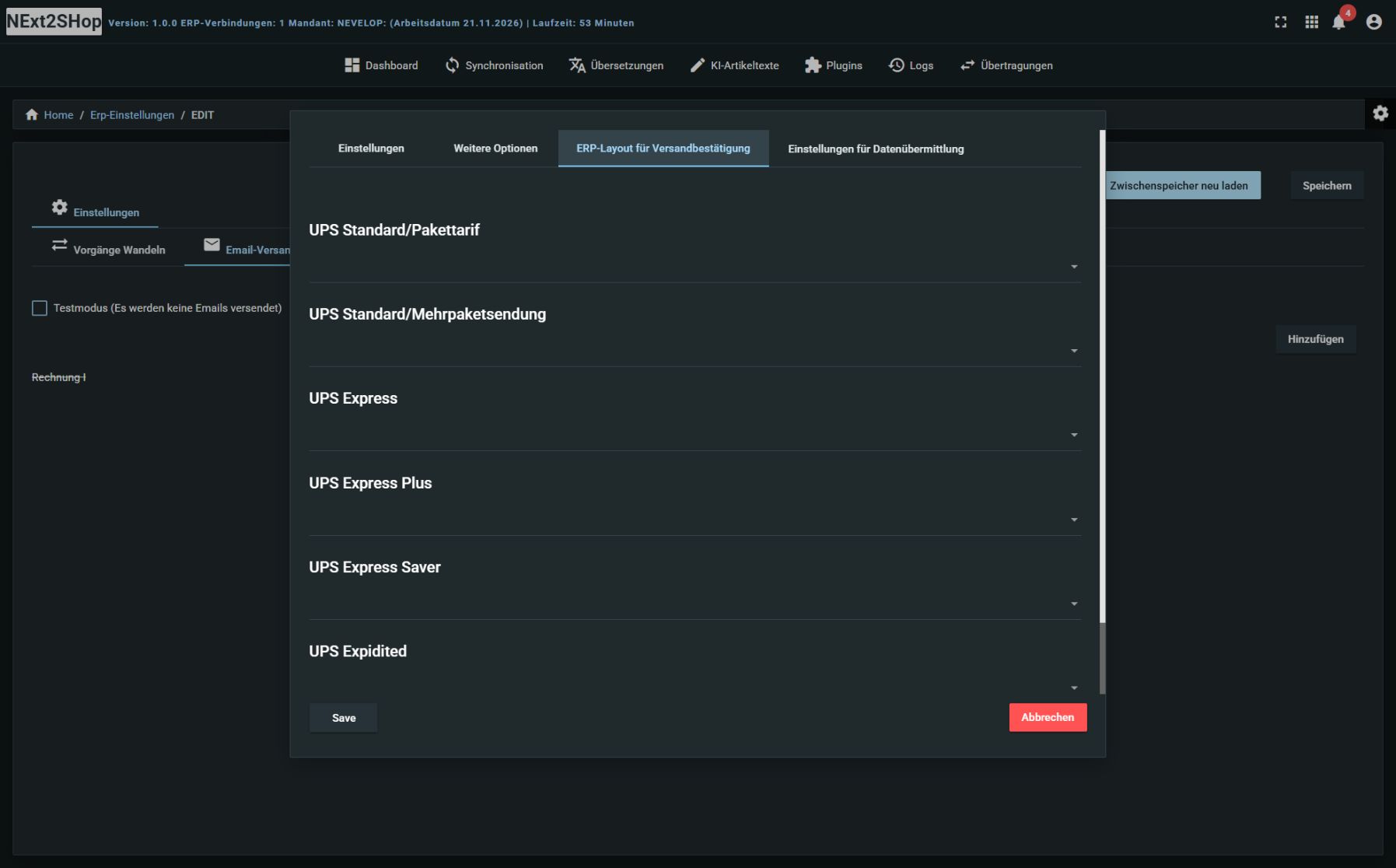
Individual ERP layouts can be assigned to shipping groups, so output follows the shipping method of the relevant document.
 View full size
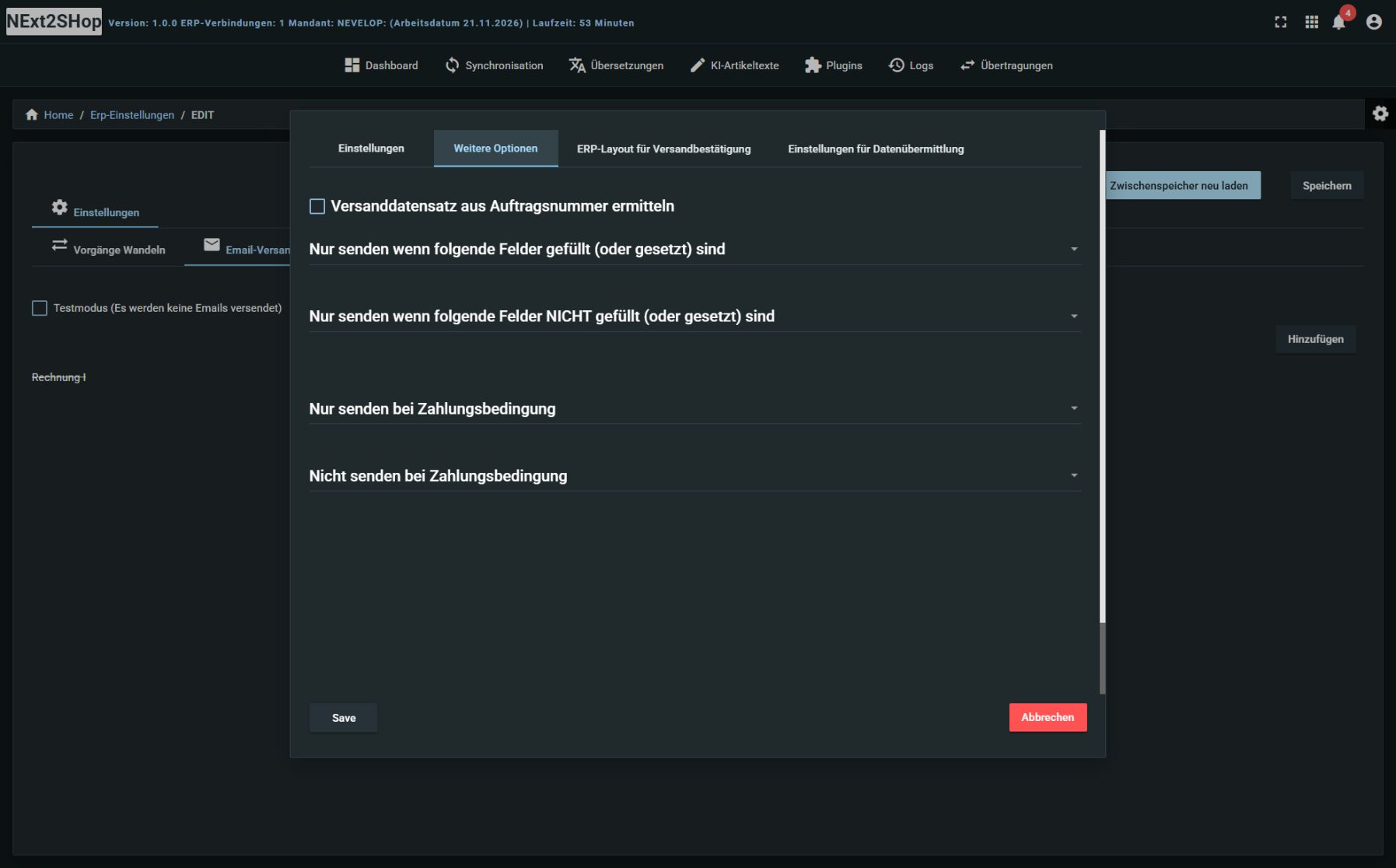
Fields with or without a marker, plus included or excluded payment terms, can control dispatch. This prevents every document from triggering output automatically.
 View full size
After successful output, the document is marked as sent. Errors are recorded in the log so open cases can be checked specifically.
View full sizeConfigured document workflows identify locations by hall priority, level and walking route. Required quantities can be split across several storage locations.
 View full size
Planned withdrawals are considered per location. If total stock is insufficient, assignments remain unchanged and downstream posting or follow-up actions stop for that workflow.
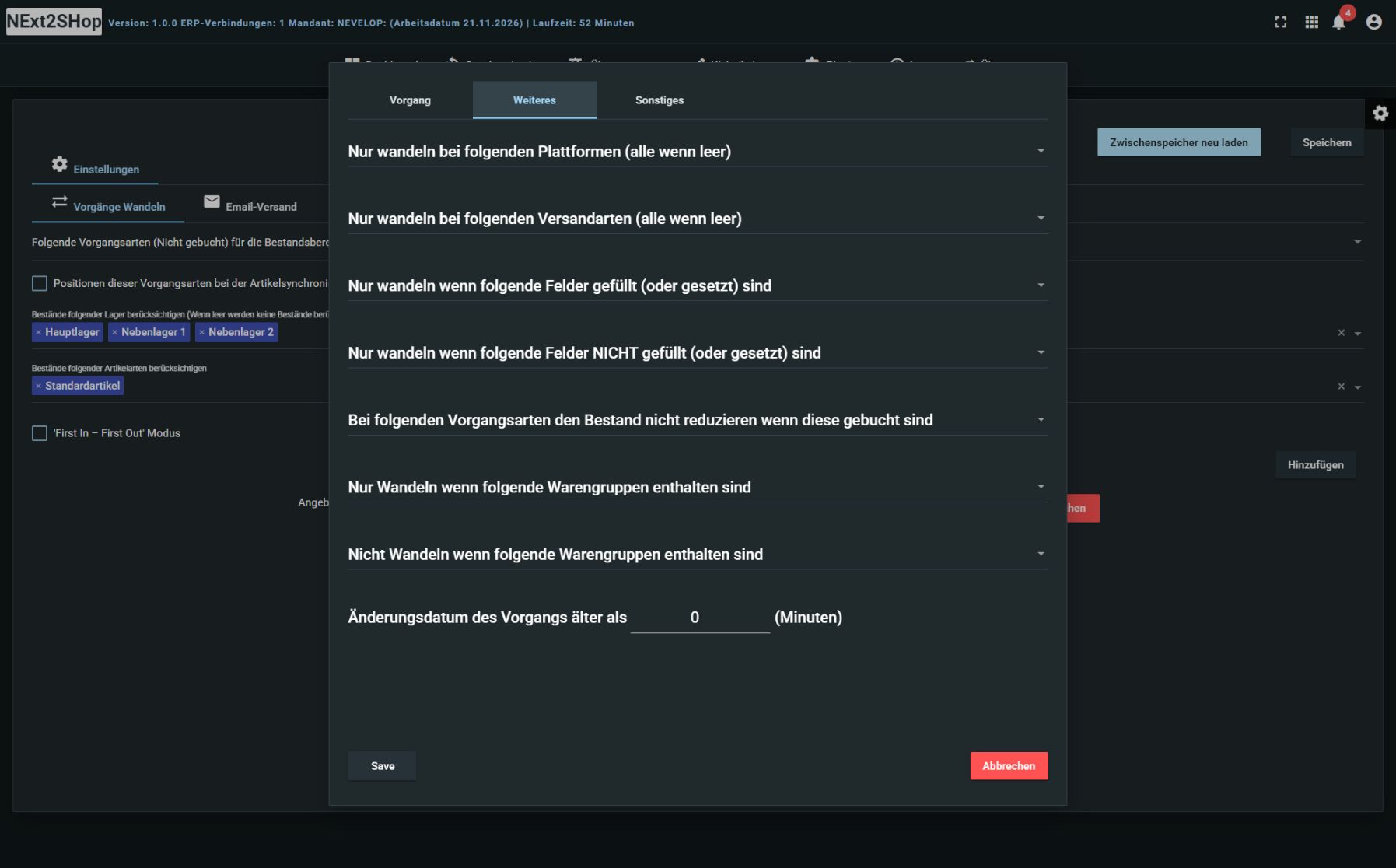
View full sizeERP filter templates, client, document and shipping method, plus custom fields, can control processing. Only records matching your rule continue through the workflow.
 View full size
NExt2SHop does more than publish products. Price logic, variants, content and order workflows are configured to fit your range and your ERP process.
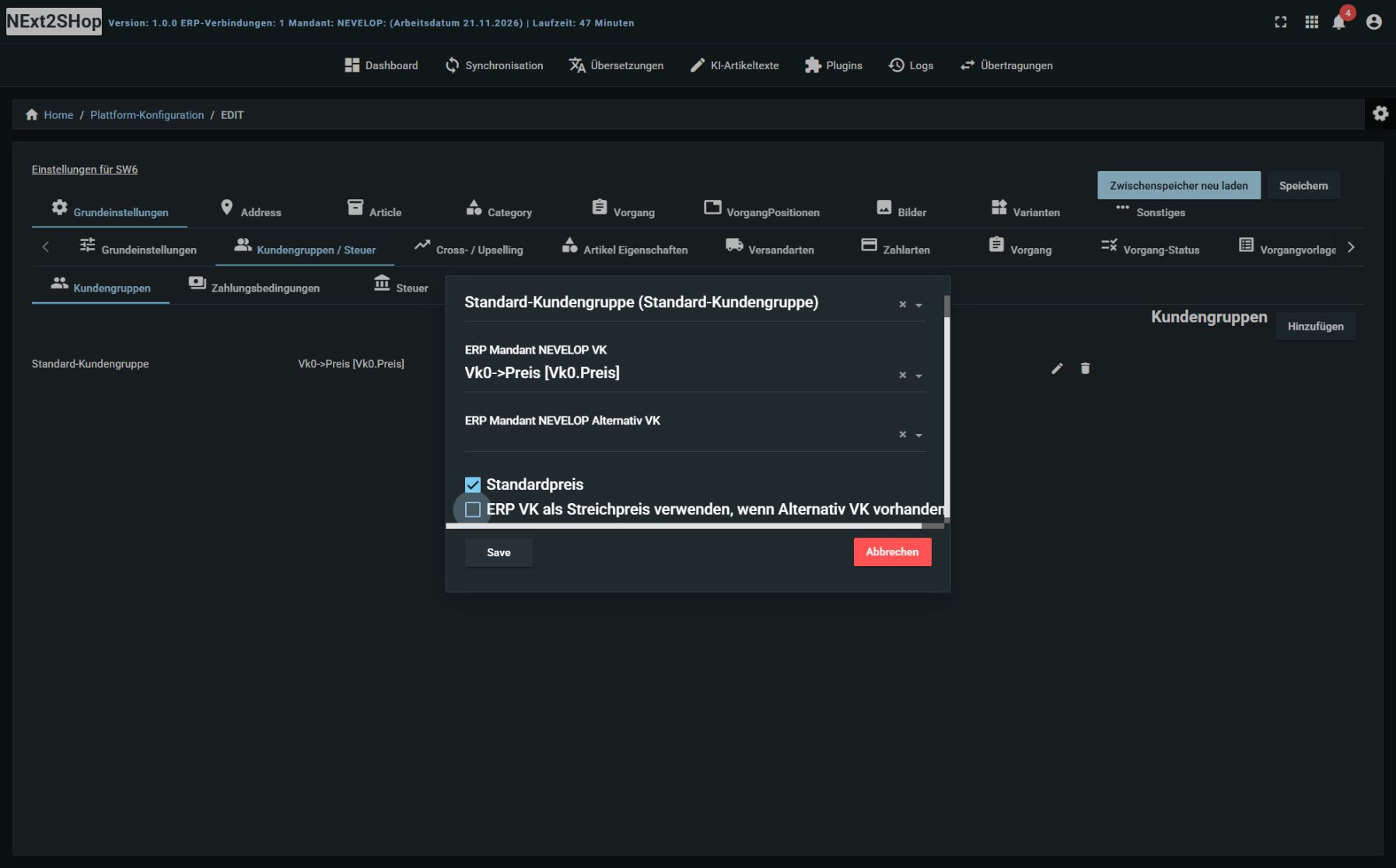
For each customer group, the ERP sales price and an alternative price can be transferred to Shopware 6. Rules are built to match the configured groups.
View full sizeQuantity tiers can be taken from ERP prices. The primary ERP price can also appear as a crossed-out comparison price when an offer price is published.
View full sizeUnits, base prices, purchase tiers, minimum and maximum quantities can be included in the product presentation through the configured mappings.
View full sizeERP fields can be mapped to specific Shopware fields. Field rules determine whether maintained shop values are protected or set from ERP data on new products.
View full sizeSEO data, manufacturer, search terms, product numbers and configured purchase hints can come from product maintenance where they help sales.
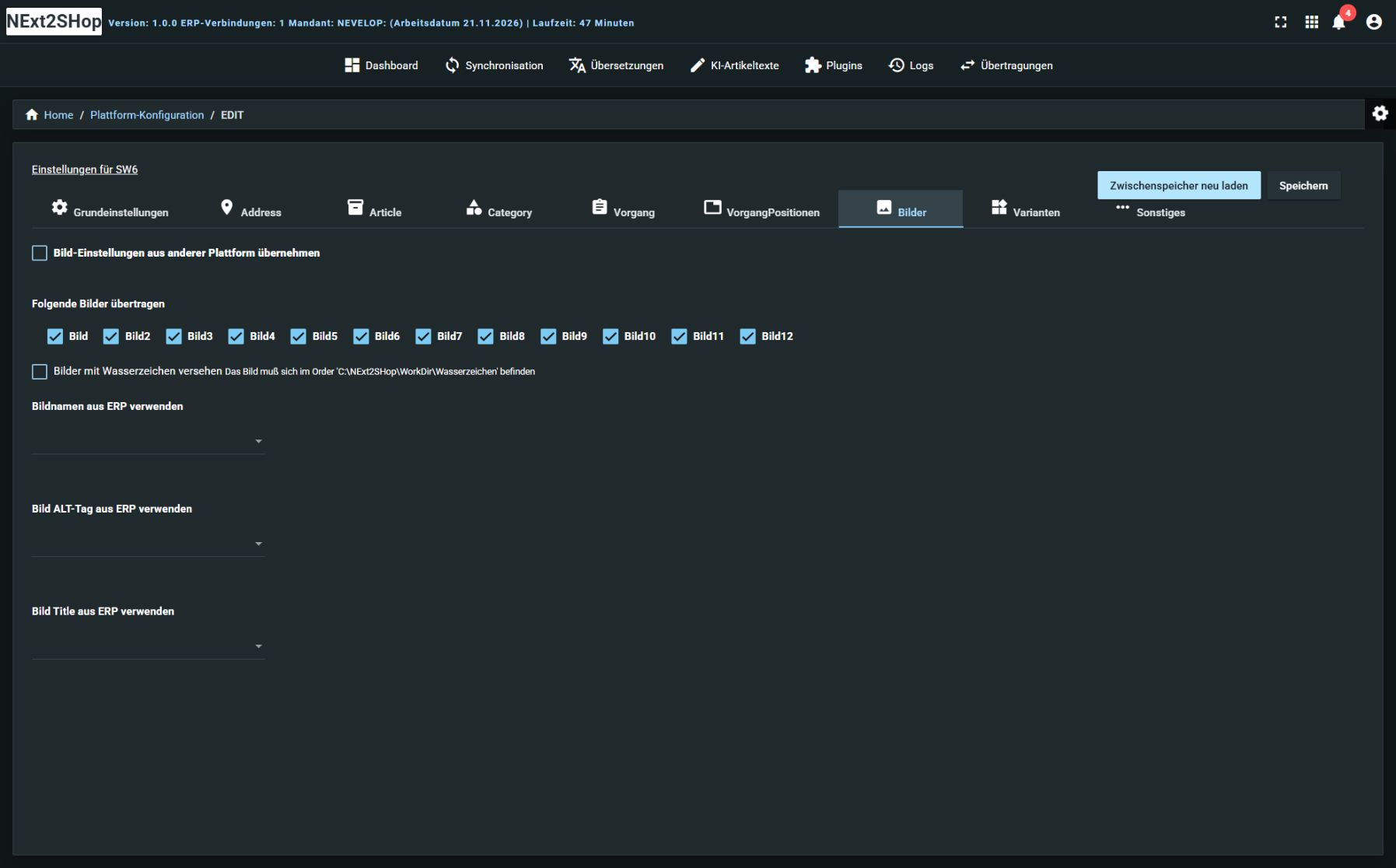
View full sizeImages are transferred with meaningful file names and configurable alt and title texts, supporting a well-maintained product presentation.
 View full size
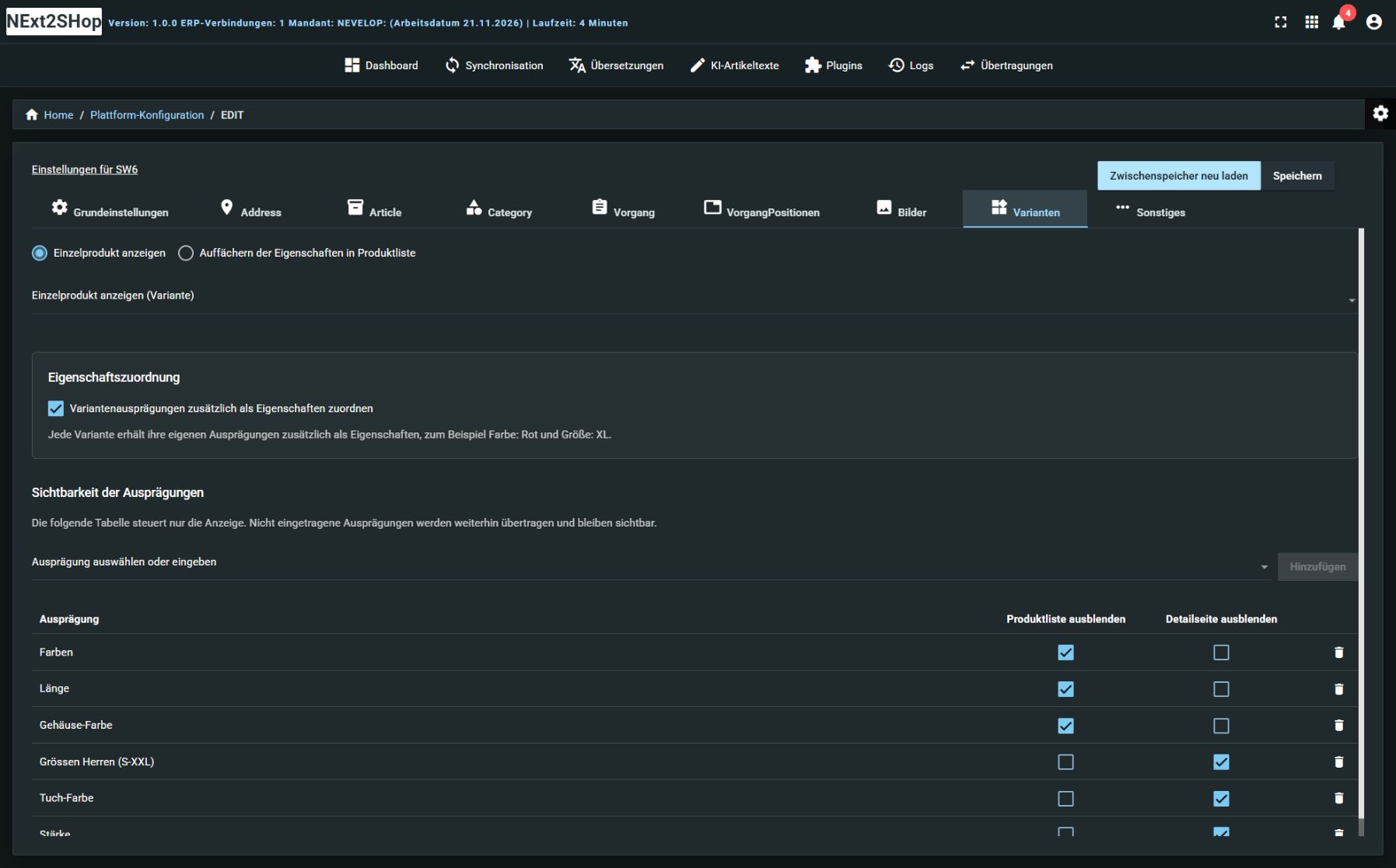
Size, colour and other dimensions can be expanded separately or handled as selected individual variants. The variant logic follows your range.
 View full size
Choose separately whether a variant dimension is visible in product listings and on the detail page, keeping selection and presentation understandable.
View full sizeVariant options can also be published as properties when needed, aligning filters and product information with the shop display.
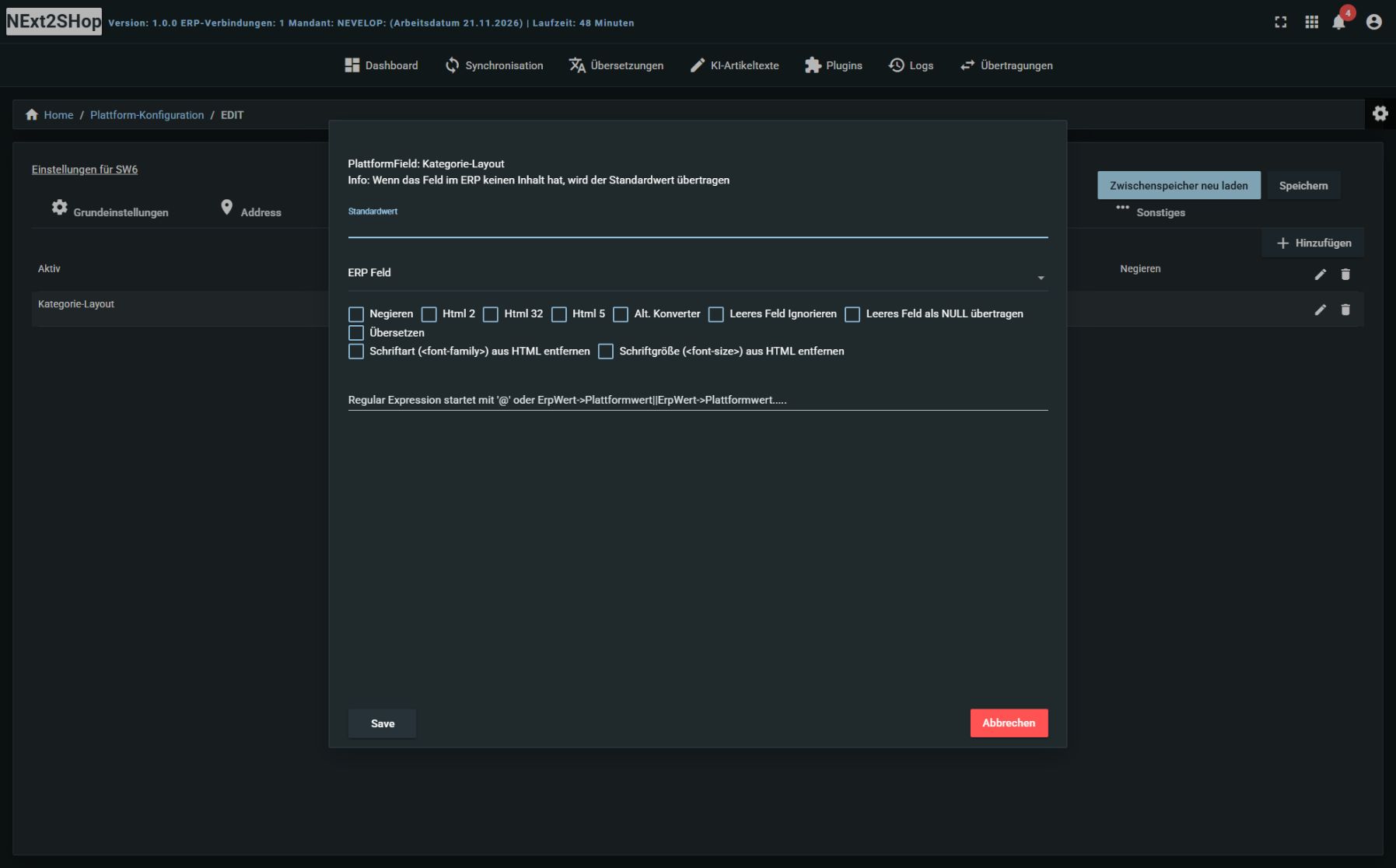
View full sizeExisting CMS layouts remain in place; supported category fields can be protected individually during synchronisation. New categories can be built from the ERP.
 View full size
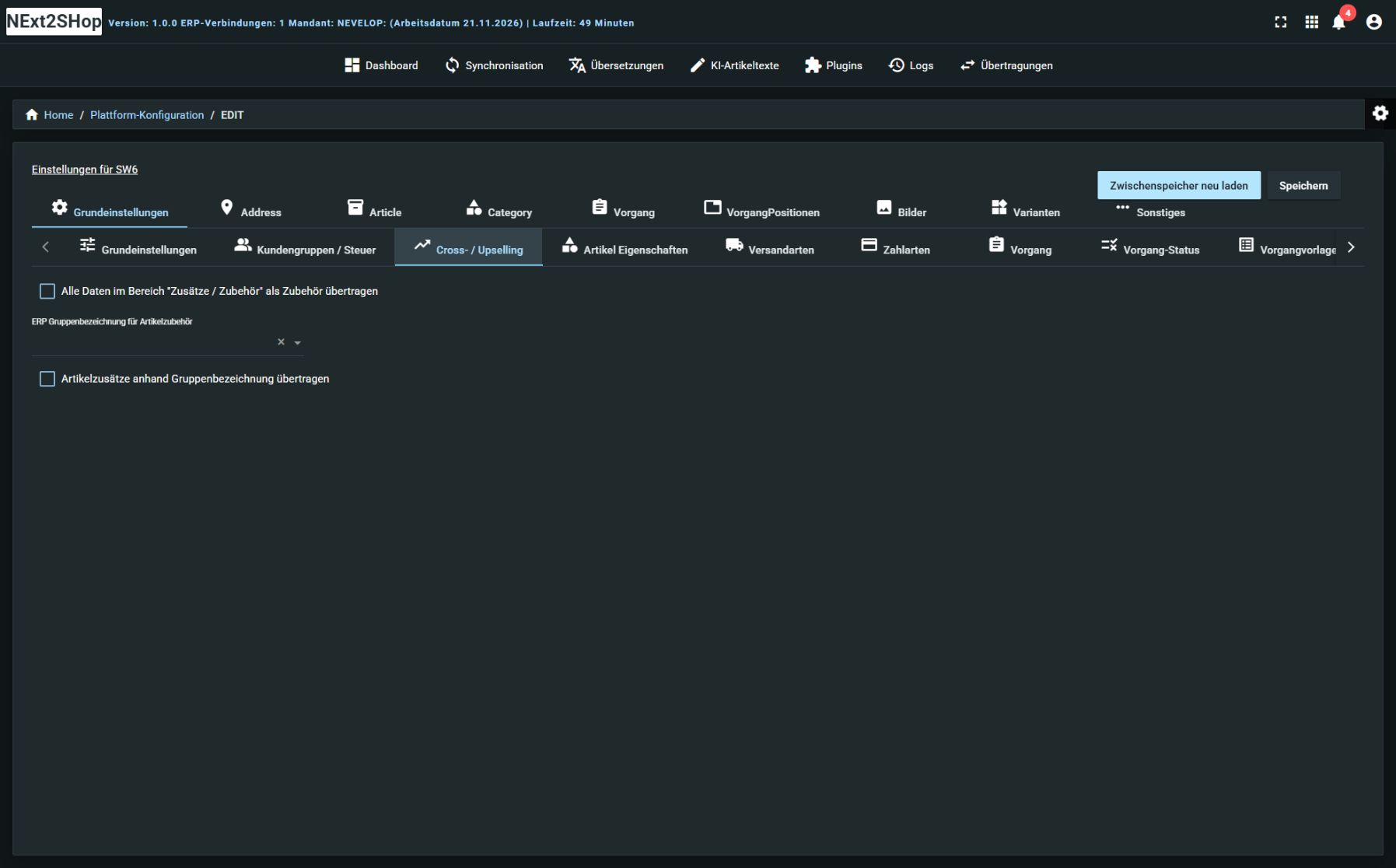
Related and similar products can be transferred from your product relationships to Shopware 6, turning range maintenance into useful suggestions.
 View full size
Generate article content using field-specific prompts and selected product properties as facts. Translate supported content into the configured target languages, with a glossary for consistent terminology. More about AI content
View full sizeThe complete language code can be written to a selected ERP document field, keeping the language available for communication and subsequent workflows.
View full sizeOrder data can pass delivery and shipping information into the ERP document, so relevant commitments remain visible with the order.
View full sizeConfigured payment references, for example from PayPal, and other Shopware fields can be written to suitable ERP fields for later use.
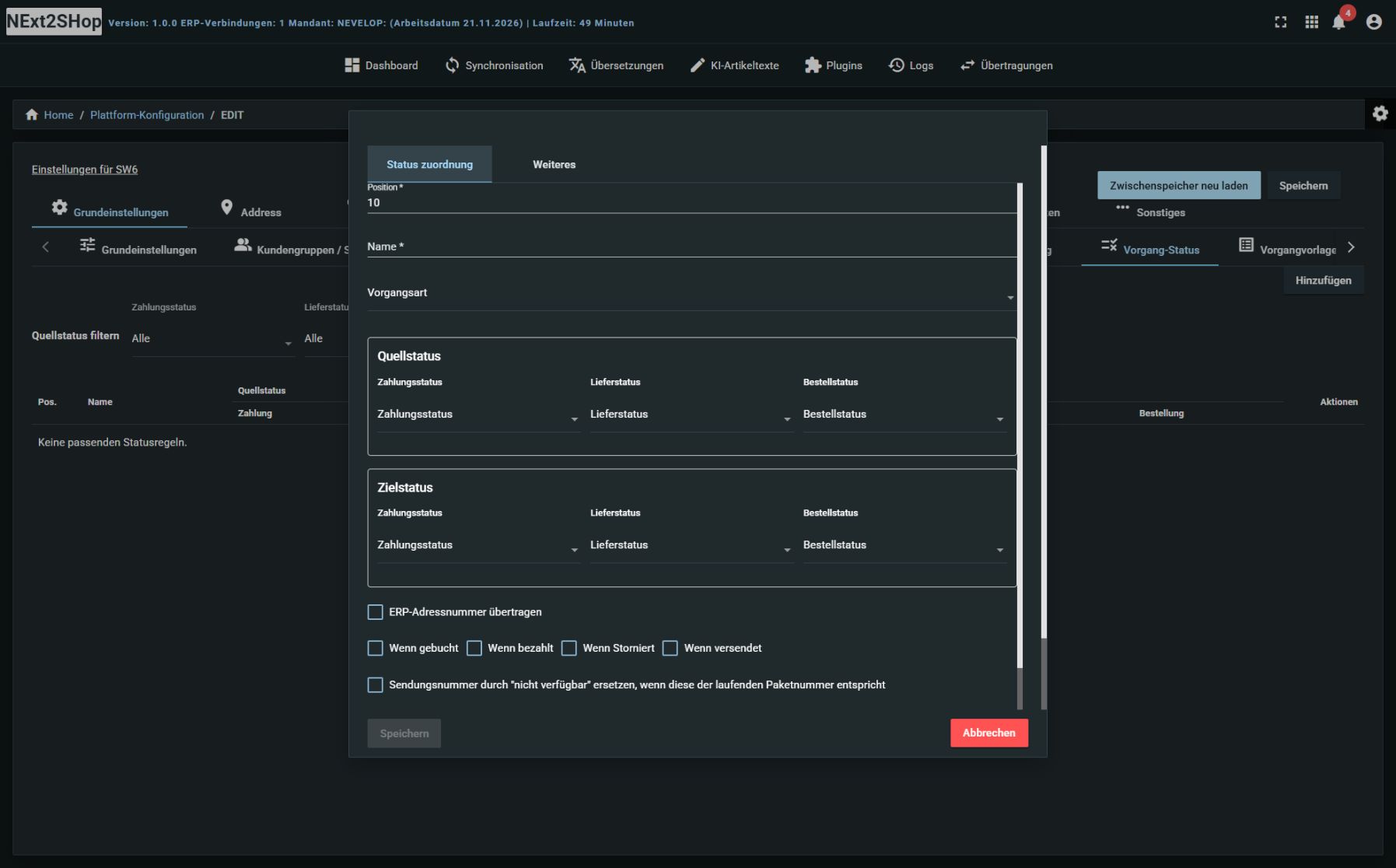
View full sizeMappings can combine payment, order and delivery status. The ERP status therefore triggers the Shopware feedback that belongs to your workflow.
 View full size
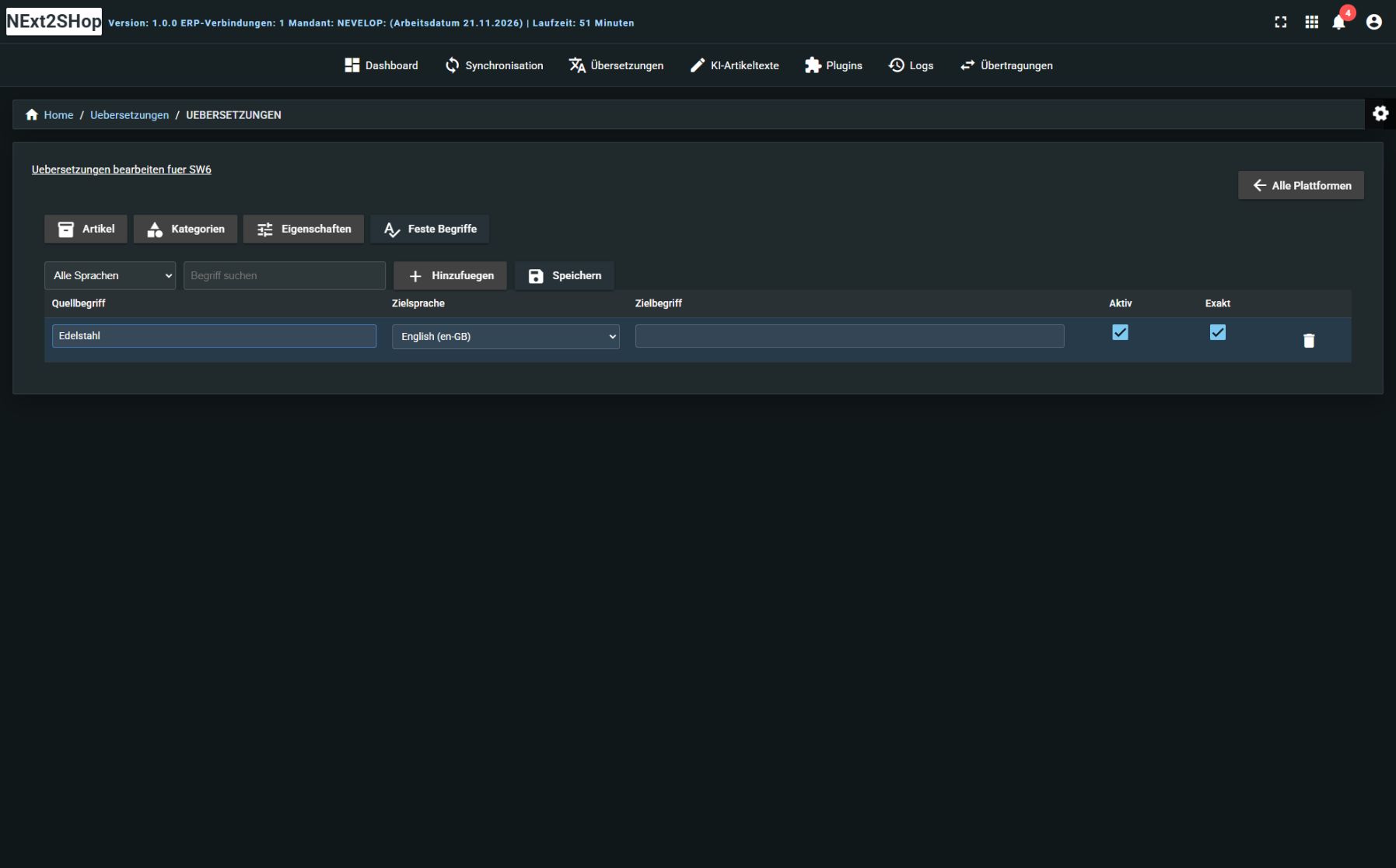
Results can be exported to Excel, edited and imported again, letting specialist teams contribute to translations and fixed terminology.
 View full size
Existing Shopware extensions for pickup, downloads, datasheets, product videos or SEO can be considered in the mapping.
View full sizeNExt2SHop already integrates the following plugin and theme functions. We configure the installed extension and its ERP field mappings together with you.
| Extension | What NExt2SHop provides |
|---|---|
| Solid Product Videos | Transfer product video data from mapped article fields. Setup and details → |
| DreiSchild SEO Professional | Populate the plugin’s additional SEO fields from ERP product data. Setup and details → |
| Acris Stock Notification | Map the availability notification field per product; the shop plugin sends the notification. Setup and details → |
| Acris Block Customer Group | Populate customer-group blocking fields from ERP values; the plugin applies the restriction in the shop. Setup and details → |
| Neti OrderFields | Import additional shop order fields into mapped ERP document fields. Setup and details → |
| Neti Group Minimum Scaled Order | Set minimum quantities, maximum quantities and purchase increments through the supported product fields. Setup and details → |
| GbMed EnEV | Maintain EPREL data, energy labels and product data sheets; existing media can be reused. Setup and details → |
| Zenit Gravity / Horizon | Transfer product documents into the themes’ supported data-sheet fields. Setup and details → |
| Neti Store Pickup Stock | Custom integration: transfer the same product stock and delivery time to approved pickup locations. No separate stock calculation per branch. Setup and details → |
The respective extension and its required API endpoints must be available. Store Pickup uses a customer-specific configuration. Additional extensions can be integrated through the functions exposed by their APIs.
Build products, variants and shop content from ERP data. Orders return to your workflow; shipping and payment status can be sent back to Shopify.
Create or update products in Shopify and publish them to configured sales channels.
 View full size
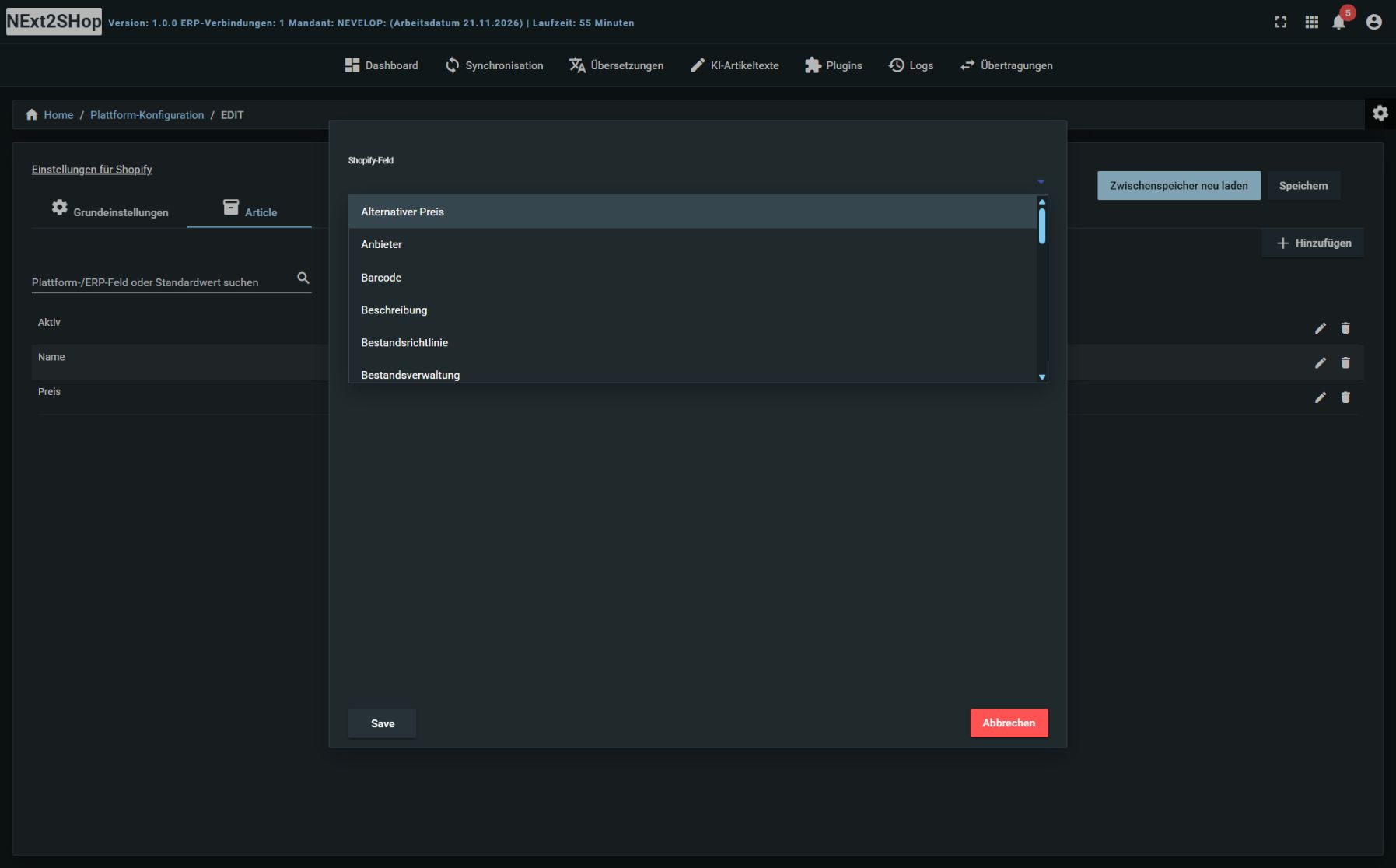
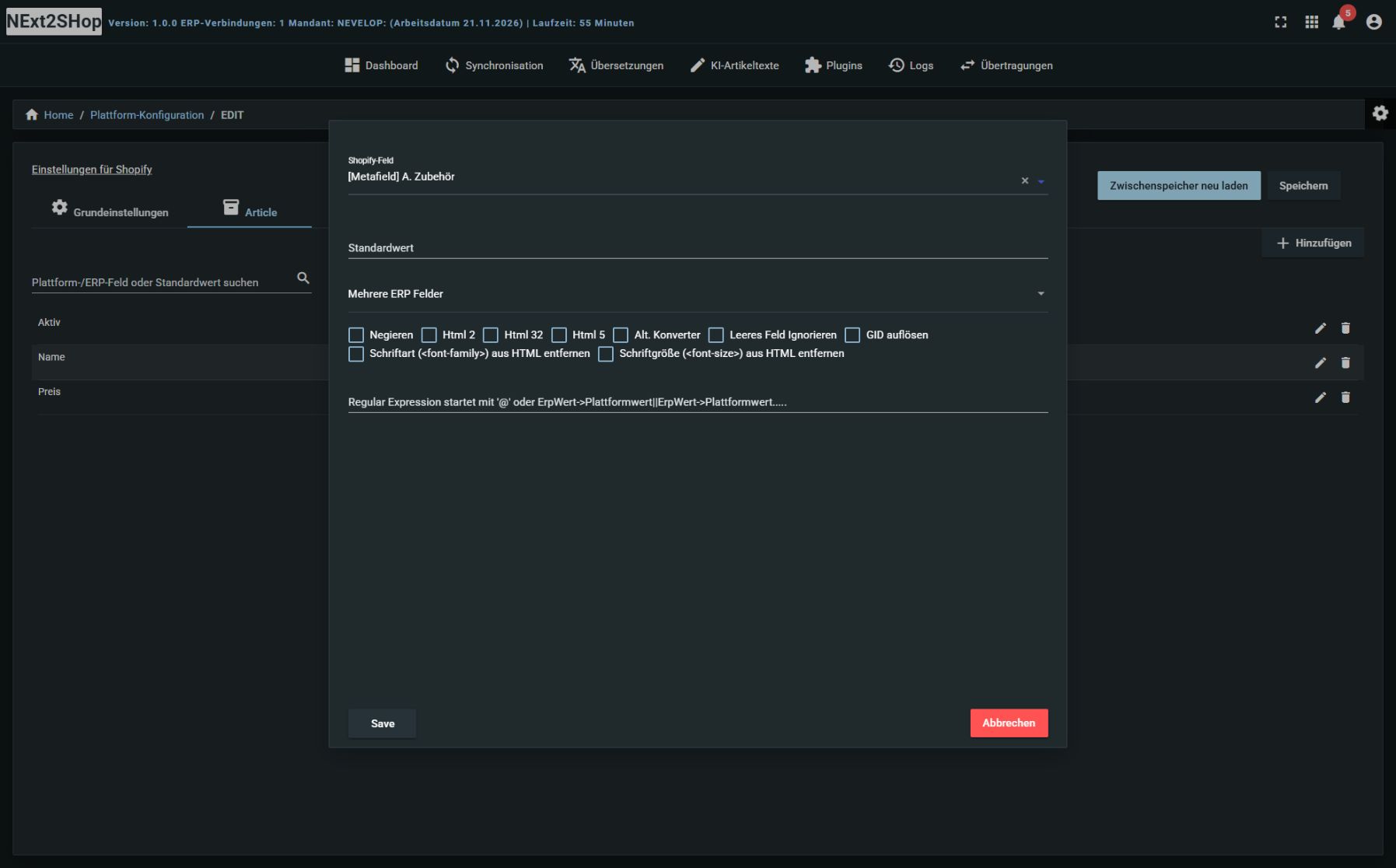
Titles, HTML descriptions, vendor, product type, tags, status and template suffix can come from ERP fields. Additional metafields can be mapped deliberately.
 View full size
Options and variants are built from the product structure. SKU, price, comparison price, barcode, stock and shipping information are considered per variant.
View full sizeERP categories or configured mappings can determine Shopify collections. A missing collection can be created during processing.
View full sizeProduct relationships can be represented as Shopify metaobjects with product references, including configured ERP fields.
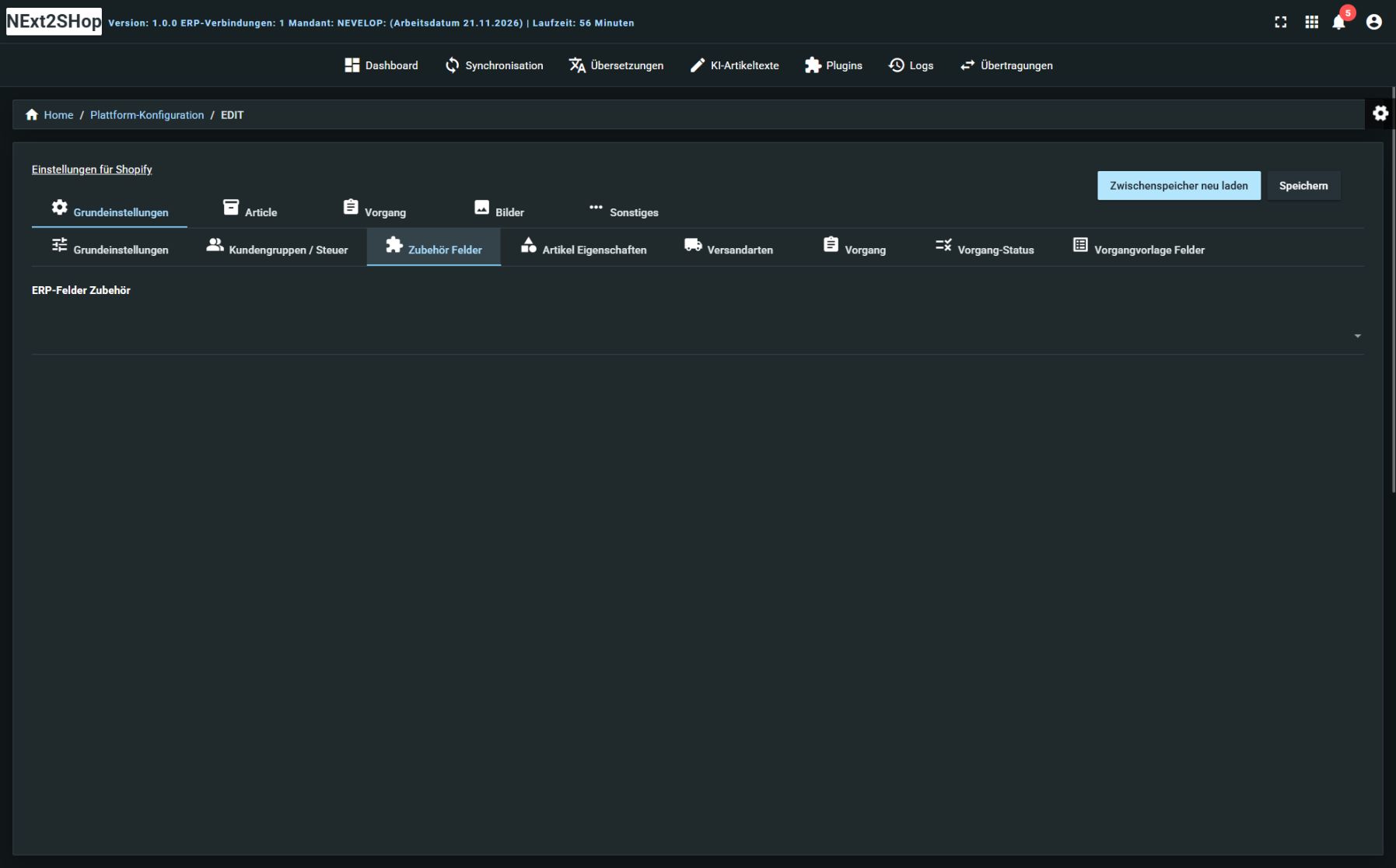 View full size
For single products, QuickSync updates price and stock by SKU. Variants are deliberately processed in the full product run.
View full sizeOrders filtered by payment and fulfilment status are transferred with line items, shipping costs, discounts, addresses, payment method and delivery information.
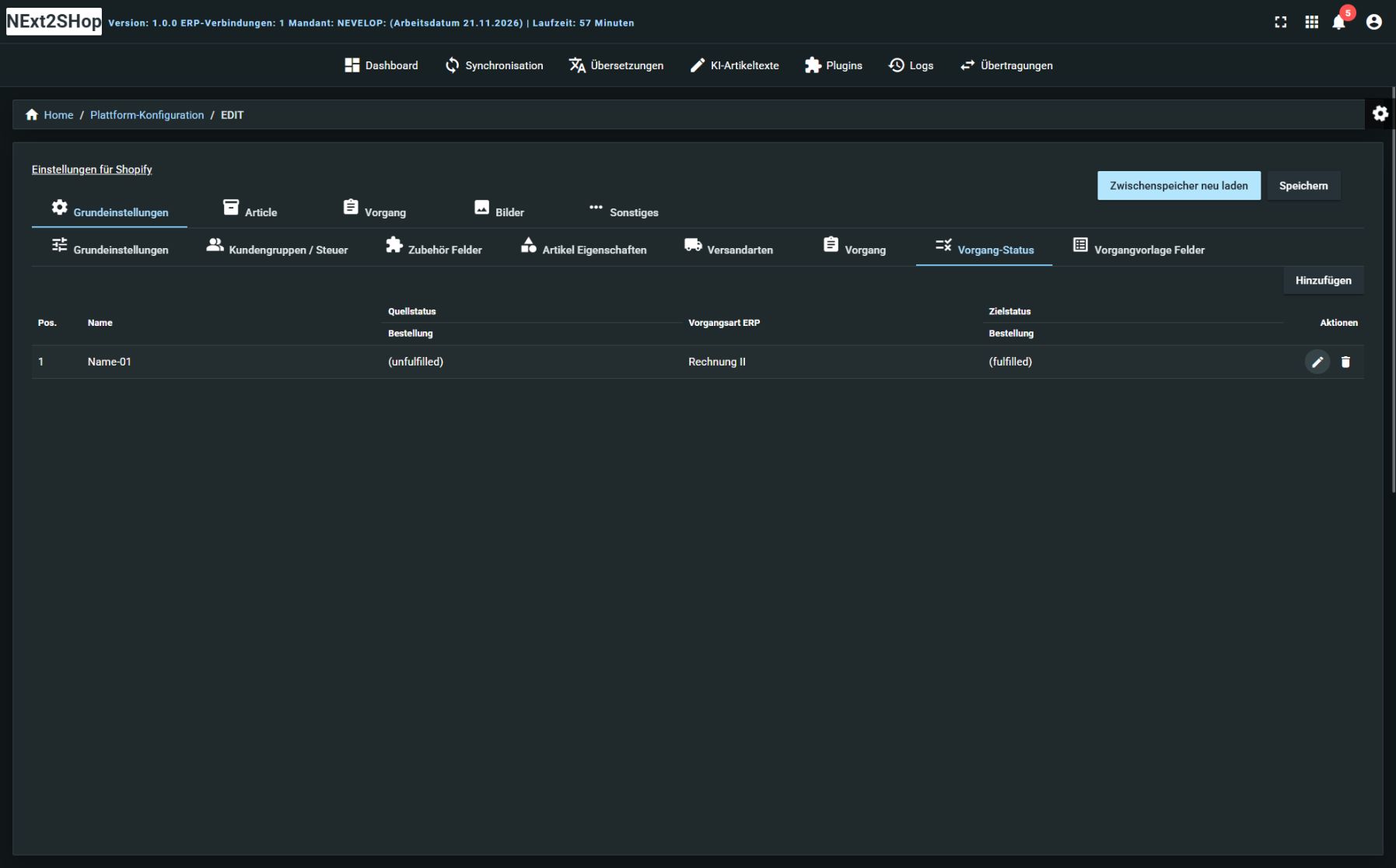 View full size
ERP status can mark Shopify orders as paid, fulfilled, open again or cancelled. Fulfilment can include tracking number and carrier.
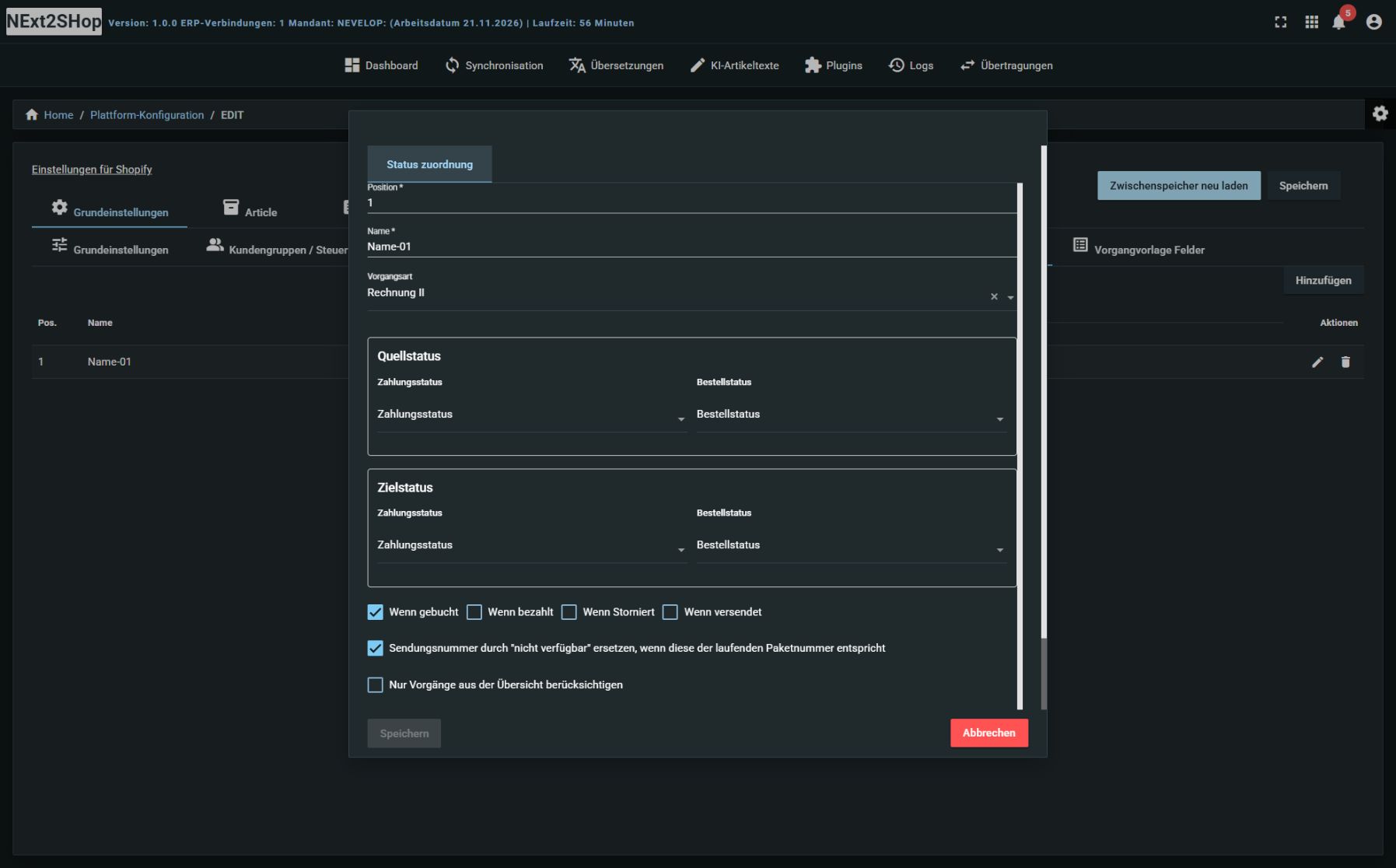 View full size
Bring your range to eBay and manage the processes from your ERP. NExt2SHop supports fixed-price listings from creation through to shipping confirmation.
Create fixed-price offers, update existing listings and end offers you no longer need. Your product data becomes the basis of your eBay range.
View full sizeStored HTML templates combine your listing design with current product and image data. Preview the result using real ERP data before transferring it.
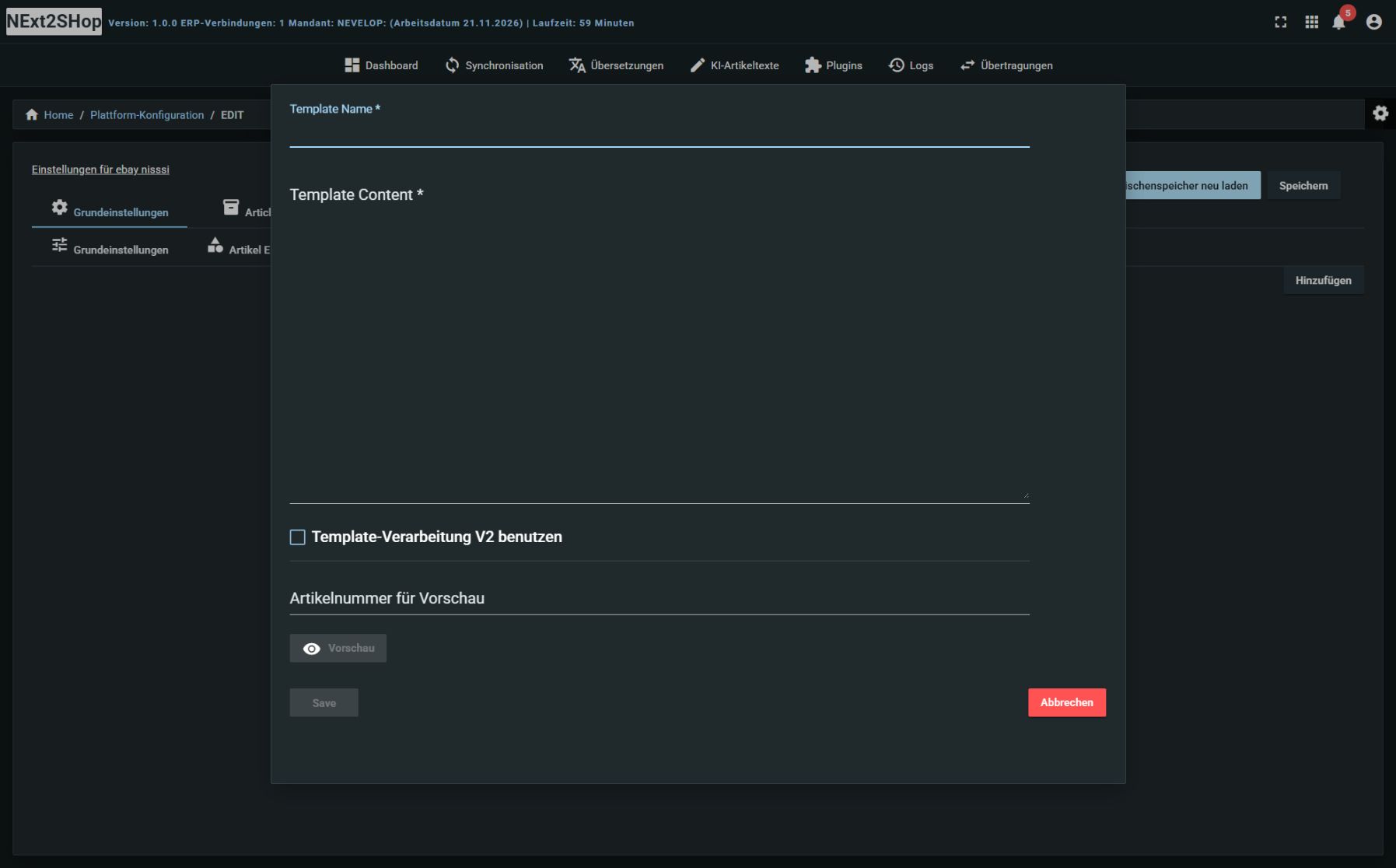 View full size
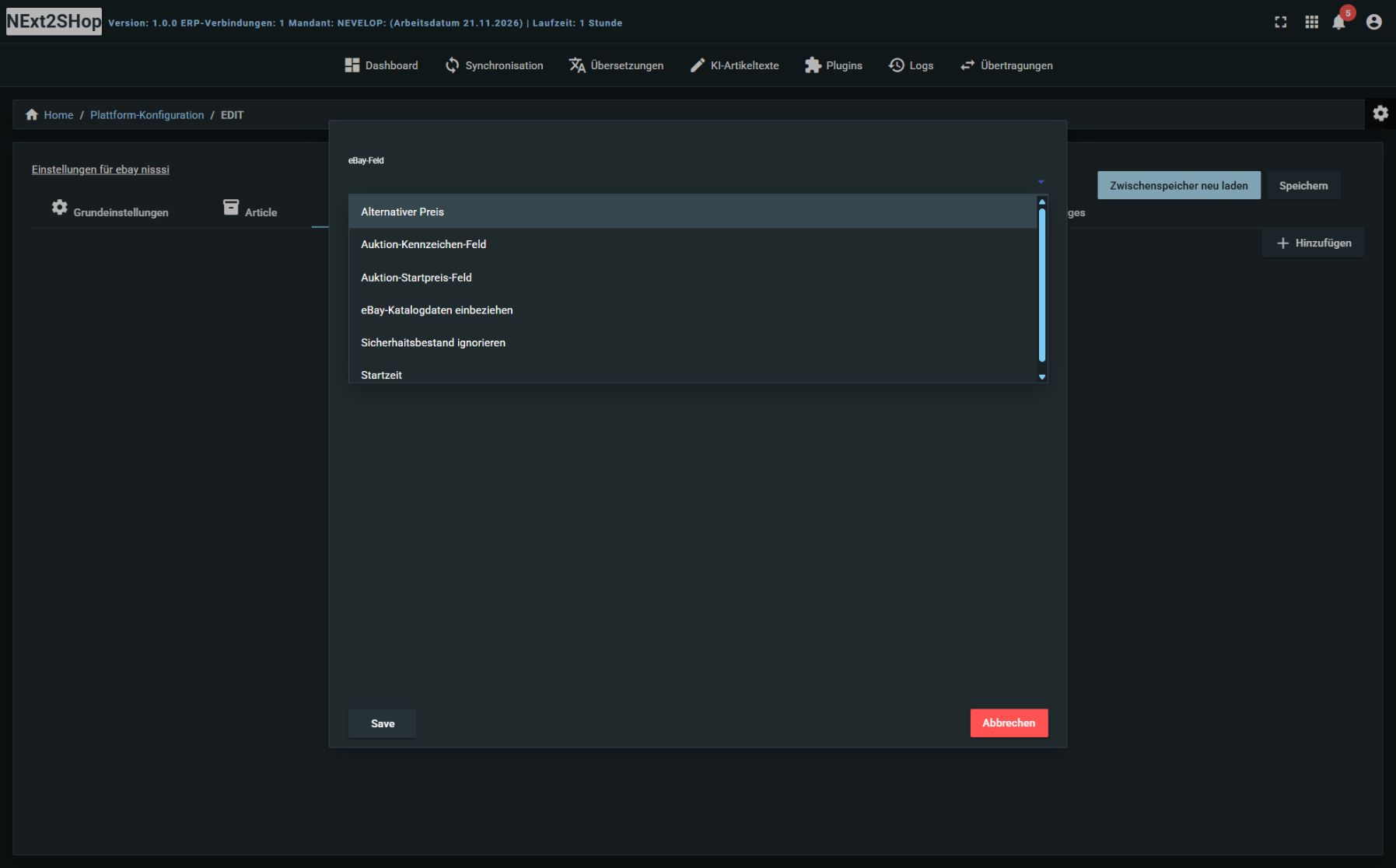
Prepare variants, images, item specifics, EAN, brand and manufacturer part number for your listing. Multiple listings for one product can also be handled.
View full sizeTransfer price and stock changes through a focused update process. Keep many offers current without editing each listing individually.
 View full size
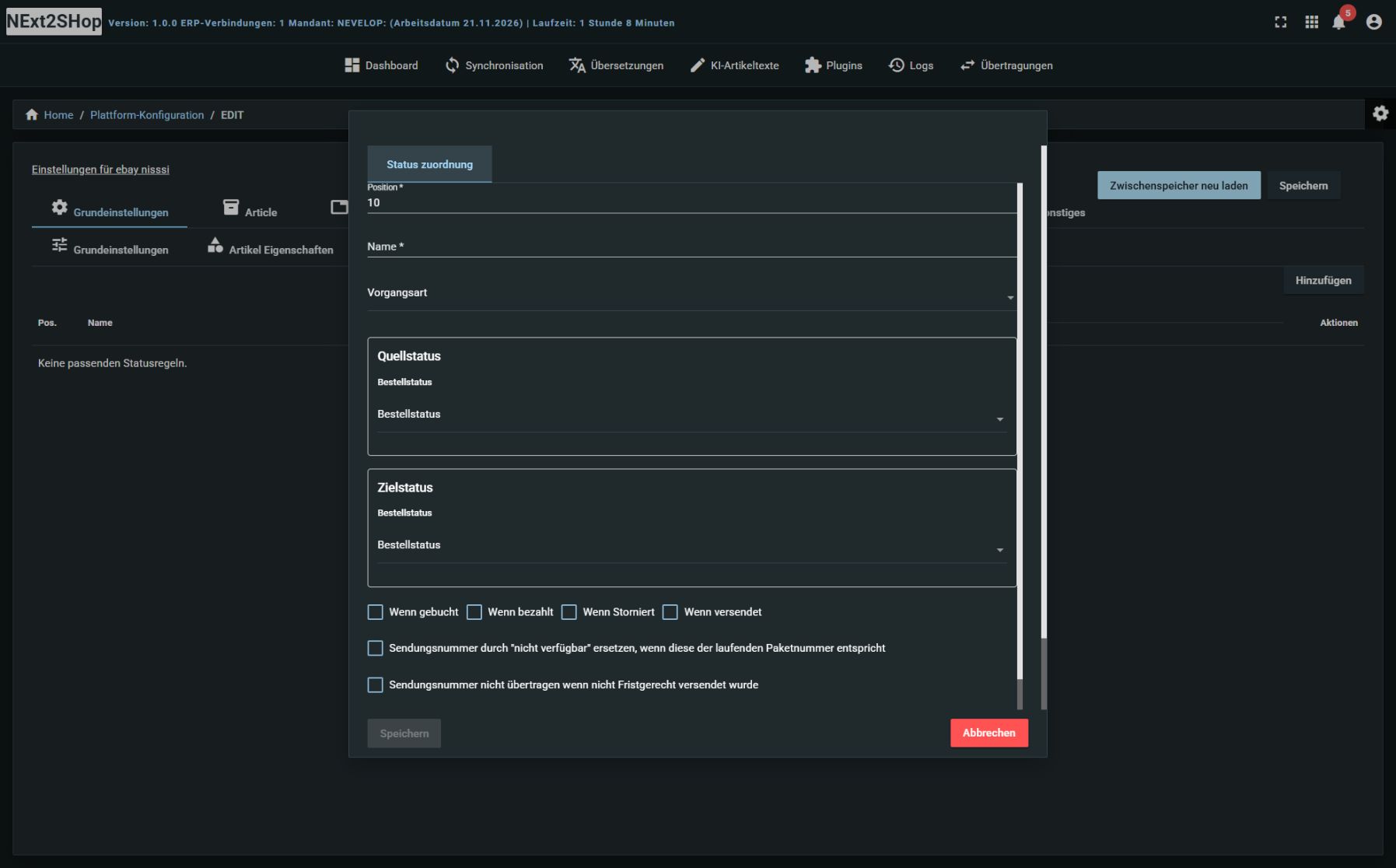
New eBay orders are retrieved and prepared for your ERP workflow. Customer, product and shipping data is available where your team processes orders.
 View full size
After dispatch, send shipping status, carrier and tracking numbers to eBay. Multiple tracking numbers per order are supported.
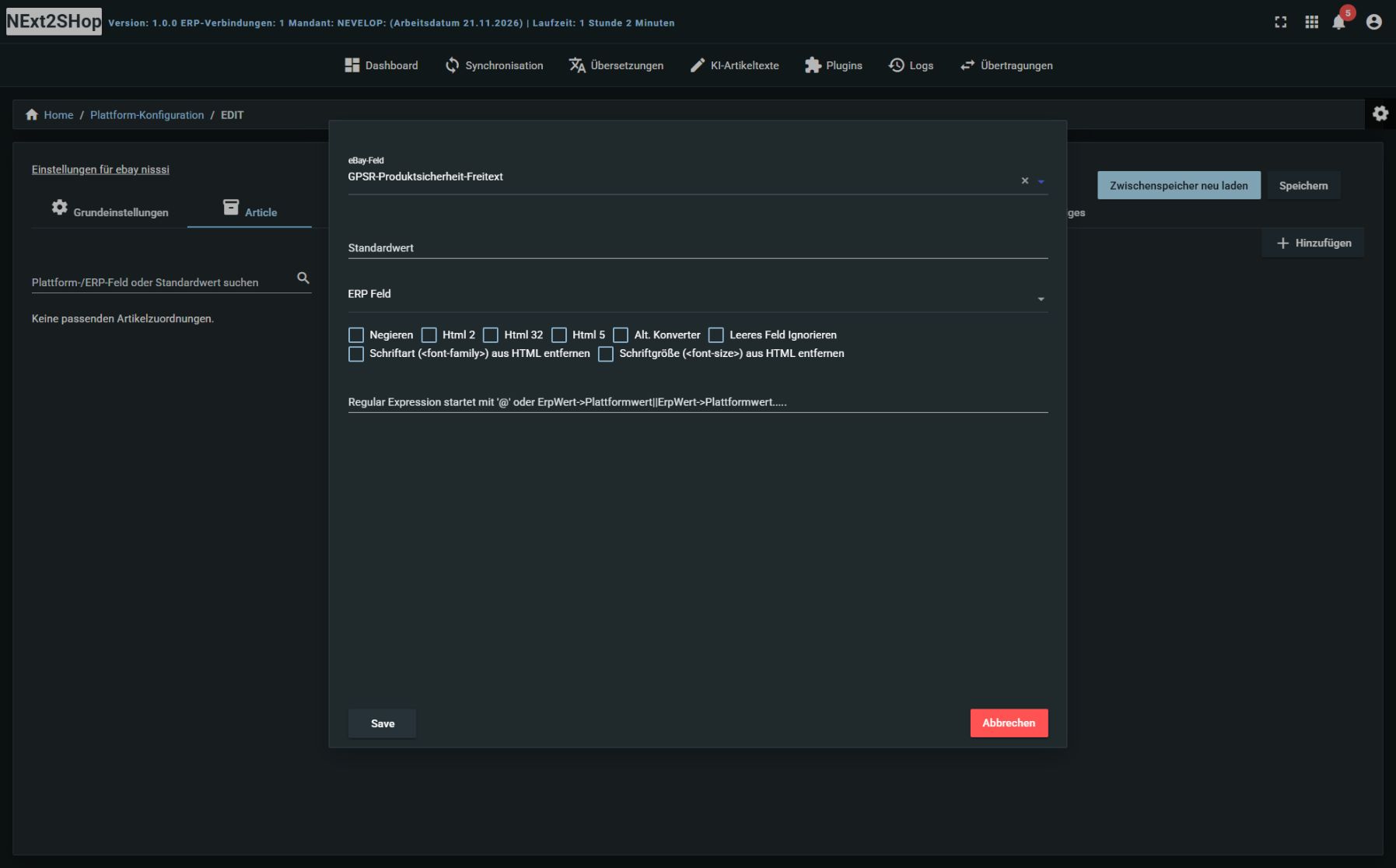
View full sizeMap manufacturer and contact address records, product safety text, hazard statements, signal words and pictograms into the eBay listing. Required content and category-specific acceptance must still be checked for the product.
 View full size
Map unit type and quantity, and optionally the repair score, from ERP fields. These values are included when configured and populated for the listing.
View full sizeYou decide when each process runs. NExt2SHop shows what is happening and where your team needs to step in.
Transfer new products and comprehensive changes in full. Use QuickSync for focused price, stock and lead-time updates, depending on channel capabilities.
View full sizeSchedule recurring tasks and put multiple steps in the required order. For exceptions, start selected data manually.
View full sizeSee the current record, counters and run history. Review, filter and follow up on changes, skipped records and errors.
View full sizeStock: 10 → 17
Price: 99,99 € → 99,98 €
Lead time: 3–5 working days → 2–4 working days
Whether you run your own shop, use a marketplace or sell through multiple channels, NExt2SHop supports integration with microtech büro+ while taking each platform’s requirements into account.
A missing field, an unsuitable order line or the wrong channel assignment: repeated manual corrections can undo the benefit of automation. NExt2SHop has dedicated extension points so we can implement the rule your team needs at the relevant step.
Anonymised examples from existing customer plugins. Each rule requires its own setup.
A combined order line creates manual work when the next step needs individual lines. An existing customer rule automatically splits selected Shopware product lines with integer quantities: quantity 3 becomes three lines of quantity 1. Shipping, voucher and text lines stay unchanged.
Rule and requirements →A product should remain on sale while being hidden in a specific shop channel. An existing customer rule reads an ERP selection field per channel: “Ja” excludes that channel; otherwise an existing visibility is retained or a new one is created. The ERP rule controls the assortment.
Rule and requirements →The ERP holds individual products while the shop needs a variant family. An existing customer rule groups articles by a parent reference and checks their dimension names. Only complete, approved groups with matching dimensions are transferred; invalid groups are excluded from the run.
Rule and requirements →We develop further connections to shops, marketplaces, suppliers and business applications through their APIs. We clarify the required fields and actions, access rights and API limits, then integrate the data exchange with your ERP workflow. You always discuss the implementation directly with a developer.
Integration requirements → · Where workflows can be extended →Tell us what takes up your time today. We will discuss the approach and requirements together, directly with a developer who understands the technology.
The exact feature set depends on your sales channels, ERP configuration and installed extensions. Together, we define which workflows your installation should handle.
No. nevelop is an independent software provider and develops NExt2SHop. microtech büro+ is the ERP system our software connects to.
You always speak directly with a developer. This applies to advice, setup, technical questions and custom extensions.
No. We agree the channels and workflows you need with you. Further processes and custom extensions can be added afterwards.
Describe your workflow. We will assess what can already be configured and where custom development makes sense, including beyond NExt2SHop.
Shopware 6, eBay, ERP automation or an idea of your own: discuss your project directly with a developer.
 Amazon
 eBay
 Shopware
 Magento
 Kaufland
 Check24
 OTTO
 Temu