AI content from your product data.
Configured field by field.

NExt2SHop generates product content from ERP fields, can include materials, dimensions and other properties, and translates into selected shop languages. Define instructions per field, preserve content maintained in your shop and edit results in the application or through Excel.

NExt2SHop is software by nevelop. We are an independent provider, not microtech.

What you can configure when generating content

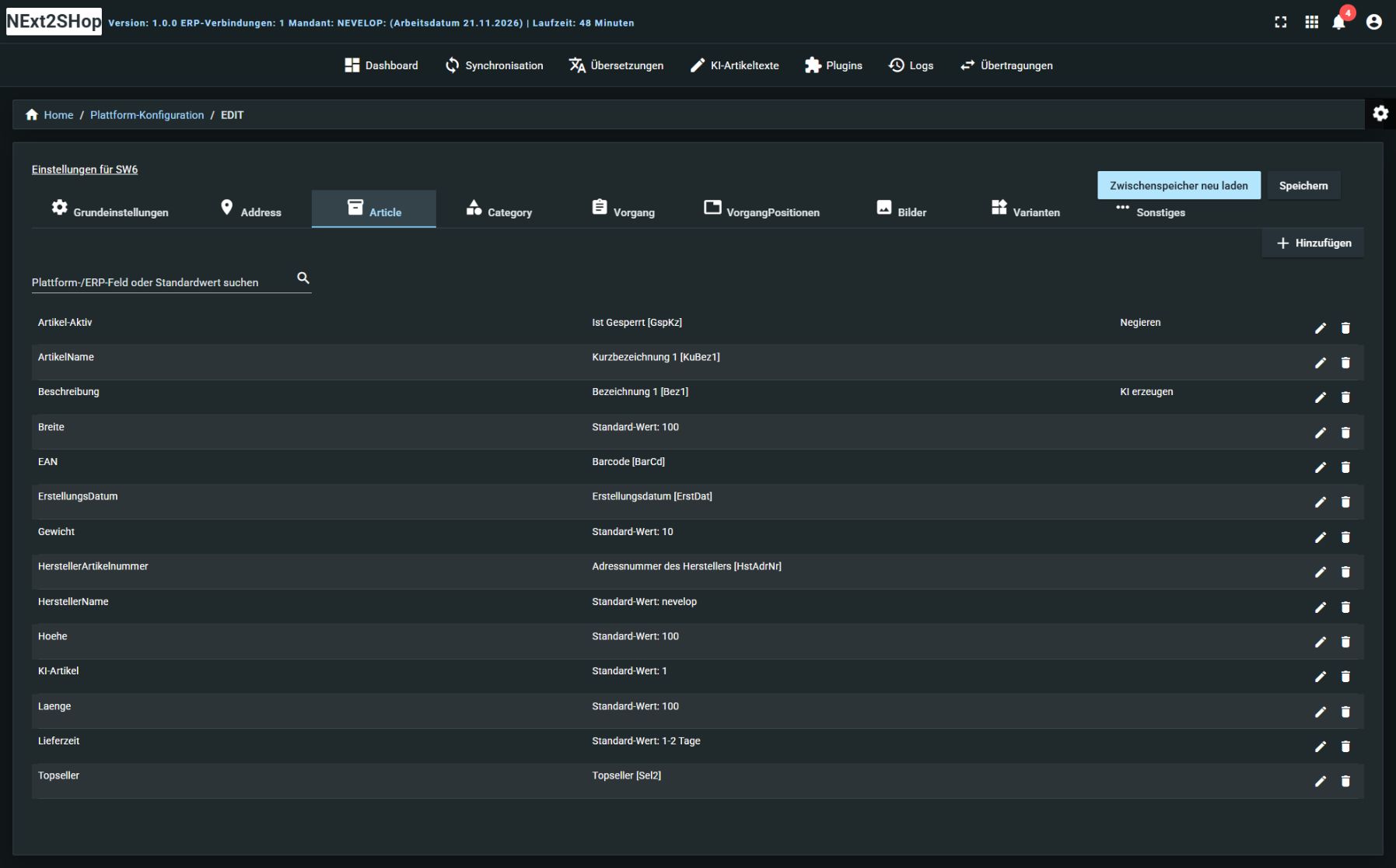
Writing instructions for each field

Enable AI generation in a field mapping and enter your own instructions. For example, request a short product name and a more detailed description. Fields without their own prompt use the platform master prompt.
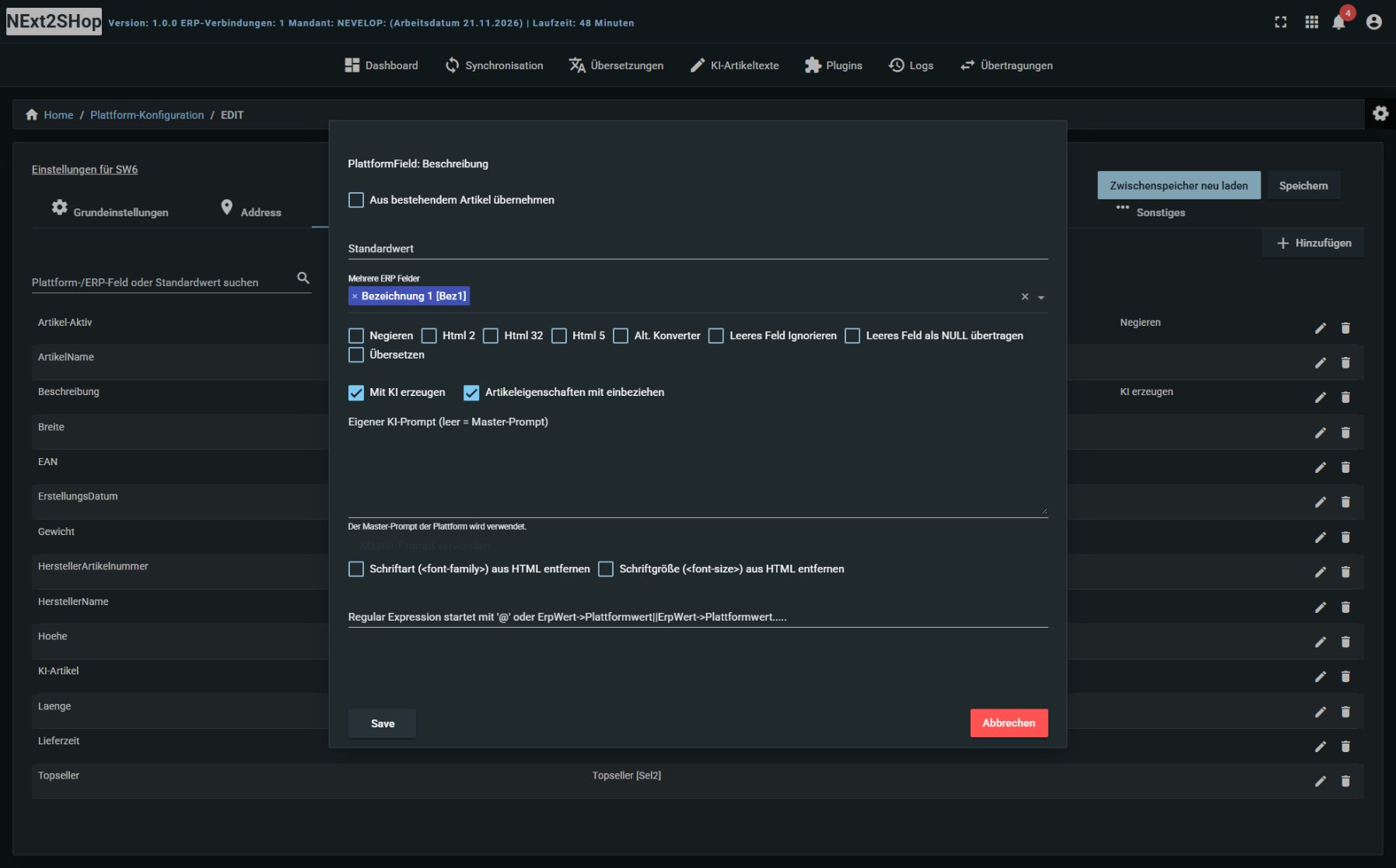
Feldmapping mit Bewahrungsregel, KI-Vorgabe und zusätzlichen Artikeleigenschaften.View full size

Materials, dimensions and options as source facts

For Shopware 6, each AI field can optionally include configured product properties and their values alongside the source text. This includes multiple values and properties hidden in the shop. Variants supply their own properties.

Feldmapping mit Bewahrungsregel, KI-Vorgabe und zusätzlichen Artikeleigenschaften.View full size

Start with your populated template

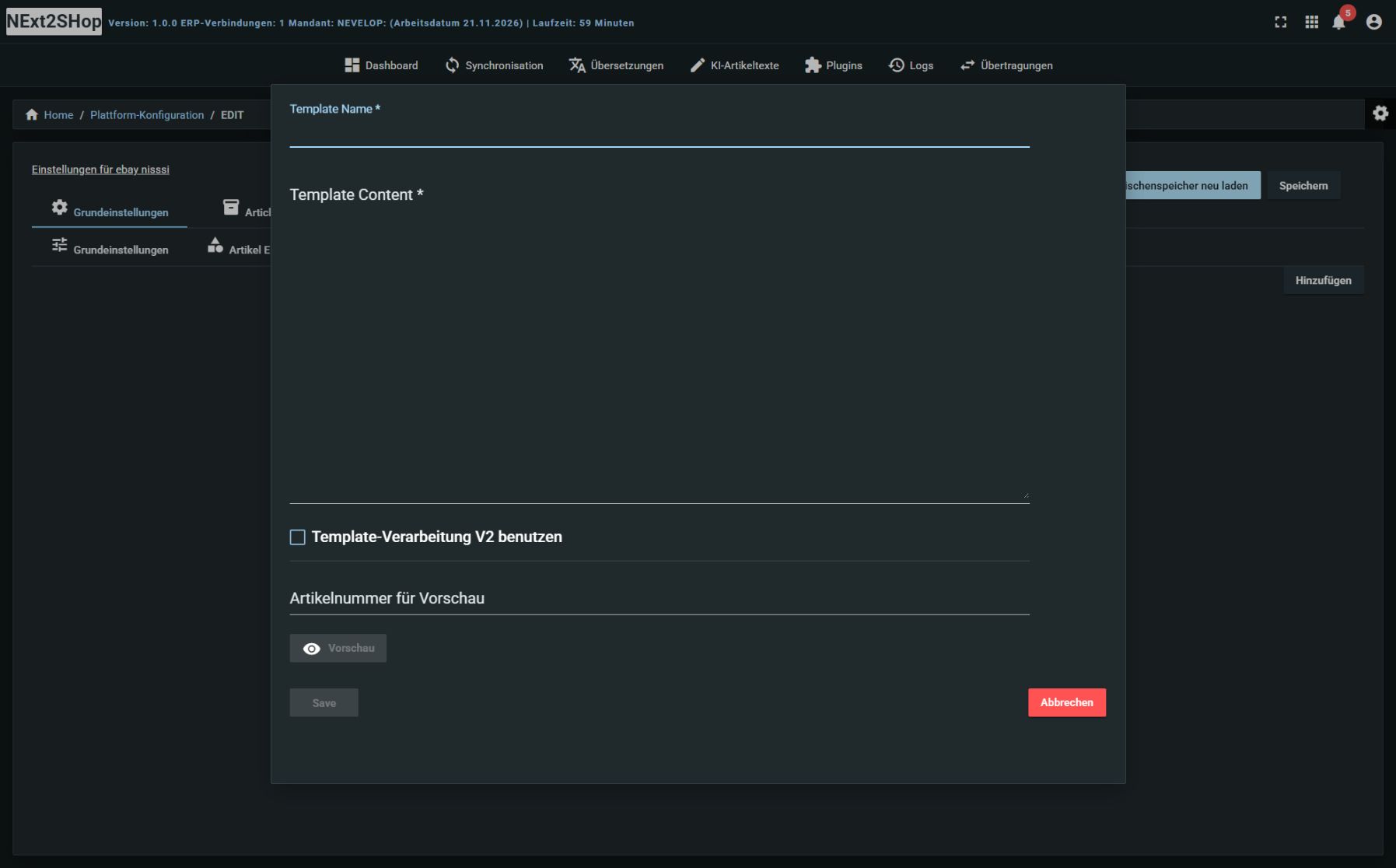
For Shopware 6 and eBay descriptions, the template is populated with product data first. AI then processes that content, with HTML tags and attributes protected. There is no need to copy the generated text back into the listing layout manually.

eBay-Vorlageneditor mit Artikelvorschau; unbefüllter Dialog.View full size

Separate content for multiple eBay listings

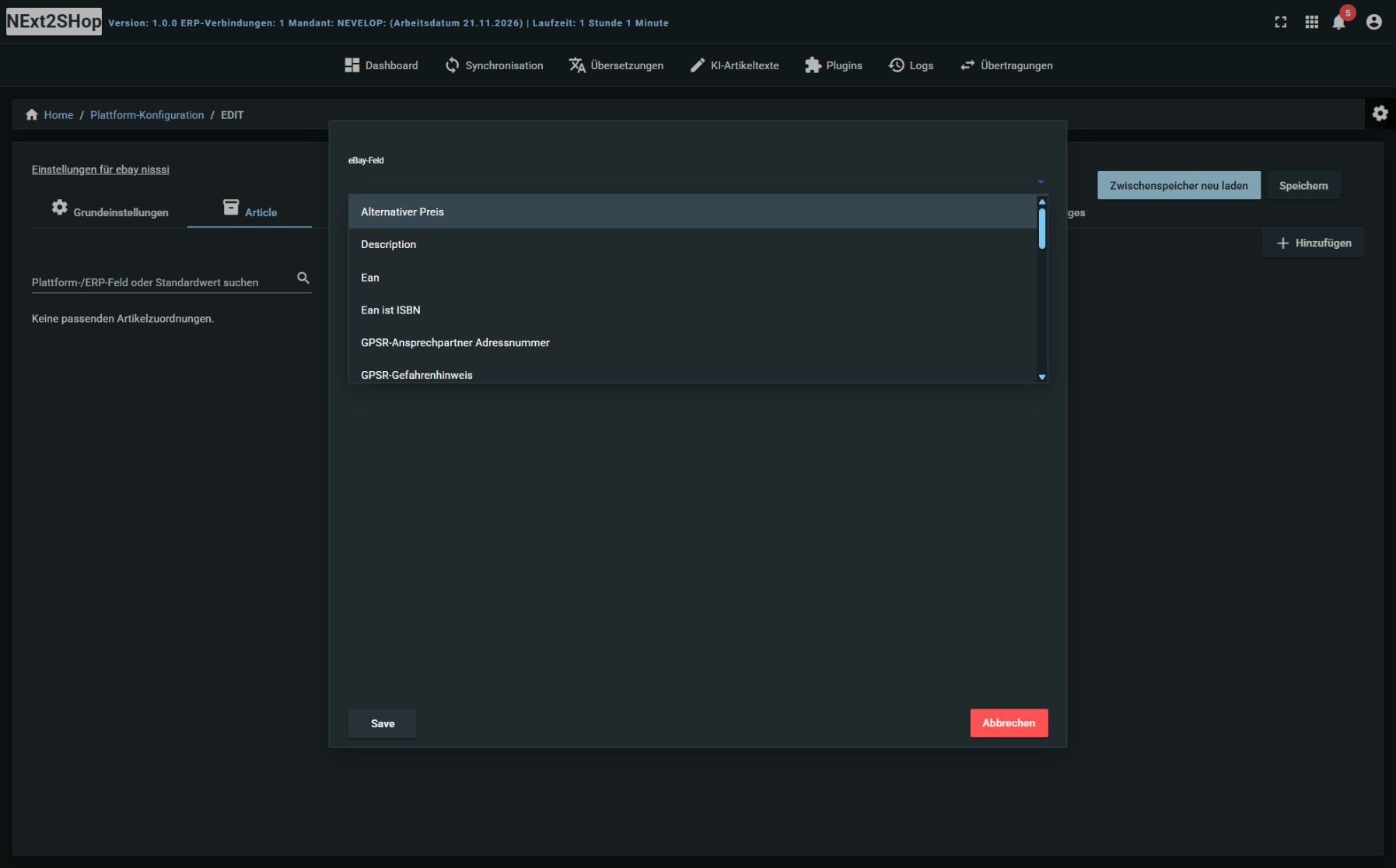
When one ERP product has multiple eBay listings, generated results are stored separately for each listing. Different listing templates and content can therefore be processed for the same product.

eBay-Feldauswahl einschließlich Produkt-, Preis- und Sicherheitsinformationen.View full size

Reuse matching results for identical variants

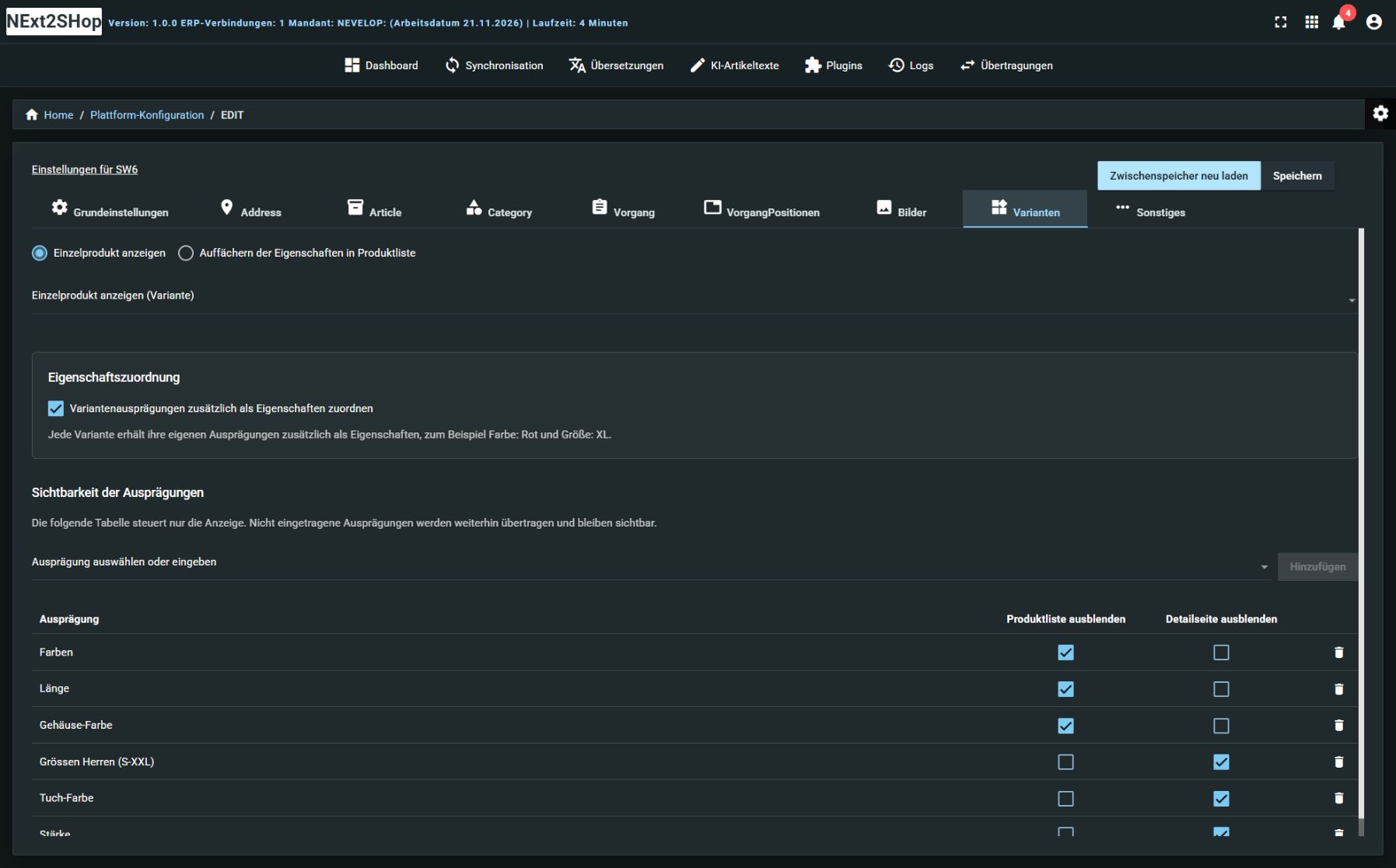
A variant can reuse the current AI result of its parent product when sources, properties, name, template, prompt, model and field settings match. Different variants are generated separately. Manual text and results containing the parent product number are excluded from reuse.

Shopware-6-Varianten: Auffächerung, Eigenschaftszuordnung und getrennte Sichtbarkeit.View full size

Keep your own corrections

Manually maintained AI content takes precedence over automatic generation. Supported Shopware fields can also explicitly retain values from the existing shop product. AI generation and translation respect these preservation rules.

Feldmapping mit Bewahrungsregel, KI-Vorgabe und zusätzlichen Artikeleigenschaften.View full size

Choose languages, fields and terminology

Target languages per product

Language-specific ERP mappings control which shop languages a product is translated into. For example, maintain a range in German and English, then enable French for selected products.

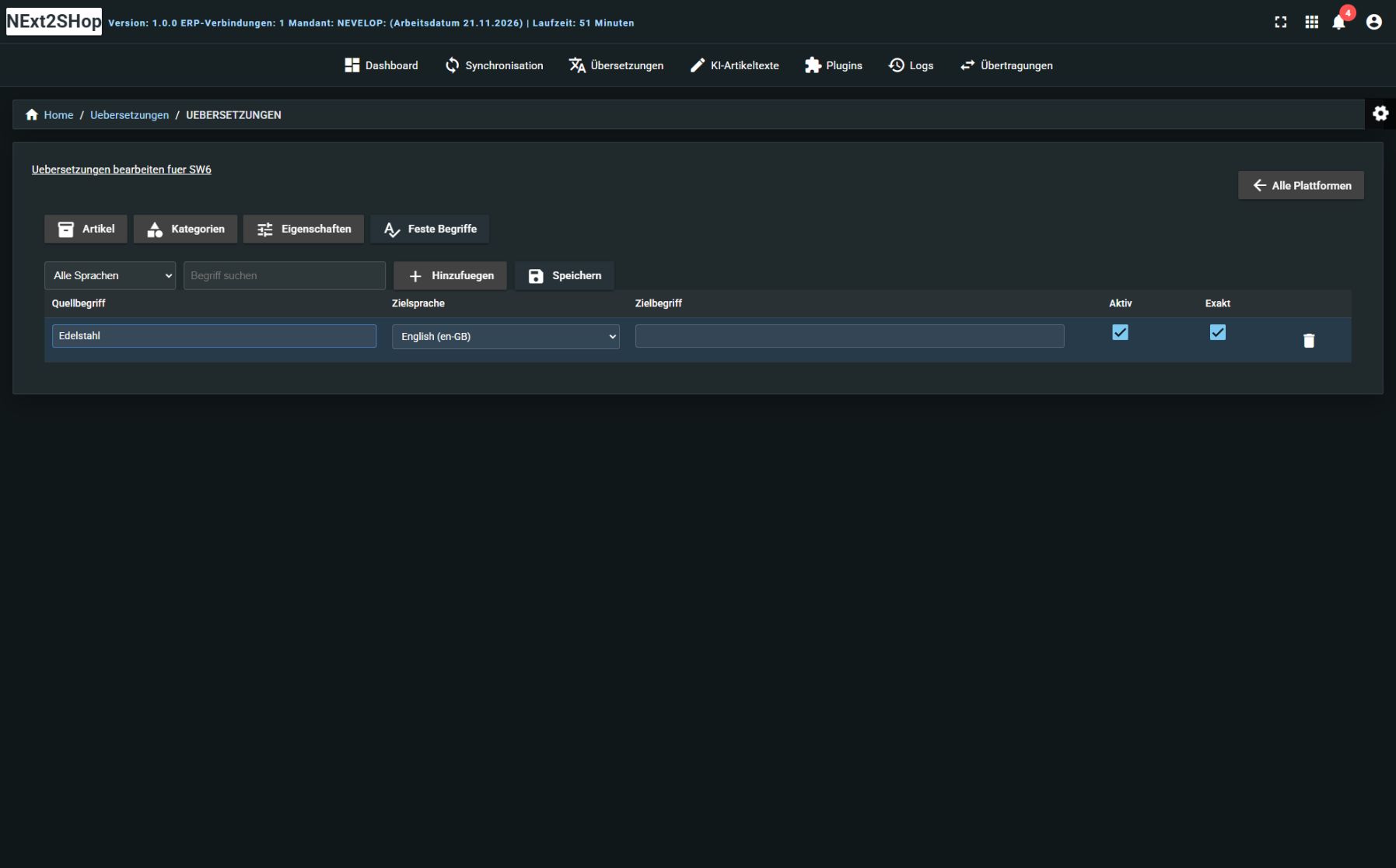
Feste Begriffe je Zielsprache: ungespeichertes Konfigurationsbeispiel.View full size

Include SEO and custom text fields

Supported fields include product name, HTML description, meta title, meta description, keywords, packaging unit and its plural, and enabled custom text fields. Products, categories and properties can be enabled separately.

ERP-Felder den Shopware-Produktdaten zuordnen.View full size

Define terminology for each language

Maintain the required translations under fixed terms for each target language. These instructions are applied during translation, with HTML structures protected. Use this to specify consistent translations for technical terms.

Feste Begriffe je Zielsprache: ungespeichertes Konfigurationsbeispiel.View full size

Translate during sync or run targeted updates

Enabled products can be translated during regular product synchronisation. Targeted bulk runs are also available for products, categories and properties. Bulk translation skips target fields that are already filled; protected fields are preserved.

Feste Begriffe je Zielsprache: ungespeichertes Konfigurationsbeispiel.View full size

Edit in the application or in Excel

The translation workspace shows source text, AI results and manual overrides. Apply a suggestion or edit it yourself. Product and category translations can be exported to Excel and imported again after revision.

Feste Begriffe je Zielsprache: ungespeichertes Konfigurationsbeispiel.View full size

Choose provider, model and instructions

Translation settings offer DeepSeek and OpenRouter with a model selection. Configure target languages, a system prompt and test mode per platform. Setup includes the required feature activation and credentials.

Feldmapping mit Bewahrungsregel, KI-Vorgabe und zusätzlichen Artikeleigenschaften.View full size

One product, two writing tasks, three target languages

Your ERP contains a short description, material and dimensions. Set concise writing instructions for the shop product name. Give the description its own prompt and include product properties. Enable English for the product and French for a selected range. A description already edited in the shop can be preserved through its field rule.

These settings can be combined. We configure the fields and features for your particular platform.

Specific questions about processing

Does every AI result require individual approval?

No. Configured generation and translation can run during product synchronisation. Manual review, acceptance and correction are additional options. A separate business approval process can be added as a custom extension.

Is AI called again on every run?

Existing results are reused based on their input data and configuration. Changes to relevant sources, properties, prompts or the model are taken into account. Identical variants can also reuse a matching parent product result.

Are all features available for every channel?

The translation features described here apply to Shopware 6. AI processing of populated description templates is implemented for Shopware 6 and eBay. We check availability and setup for your platform and licence.

Show us one of your products.

We discuss the ERP fields, properties, writing instructions and languages that fit your shop. You always speak directly with a developer.

Discuss AI features with a developer